SaaS Link Building
Link Reclamation for SaaS: Getting Back Links You Broke
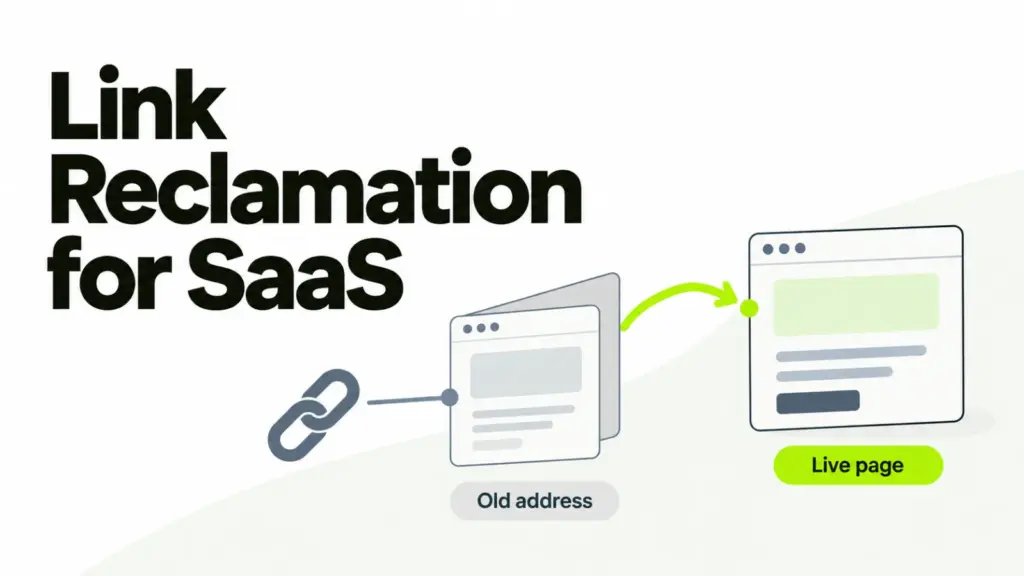
Link reclamation is recovering backlinks you earned and then lost. In SaaS most of them weren’t taken away by a publisher, they were broken by your own product and marketing releases.
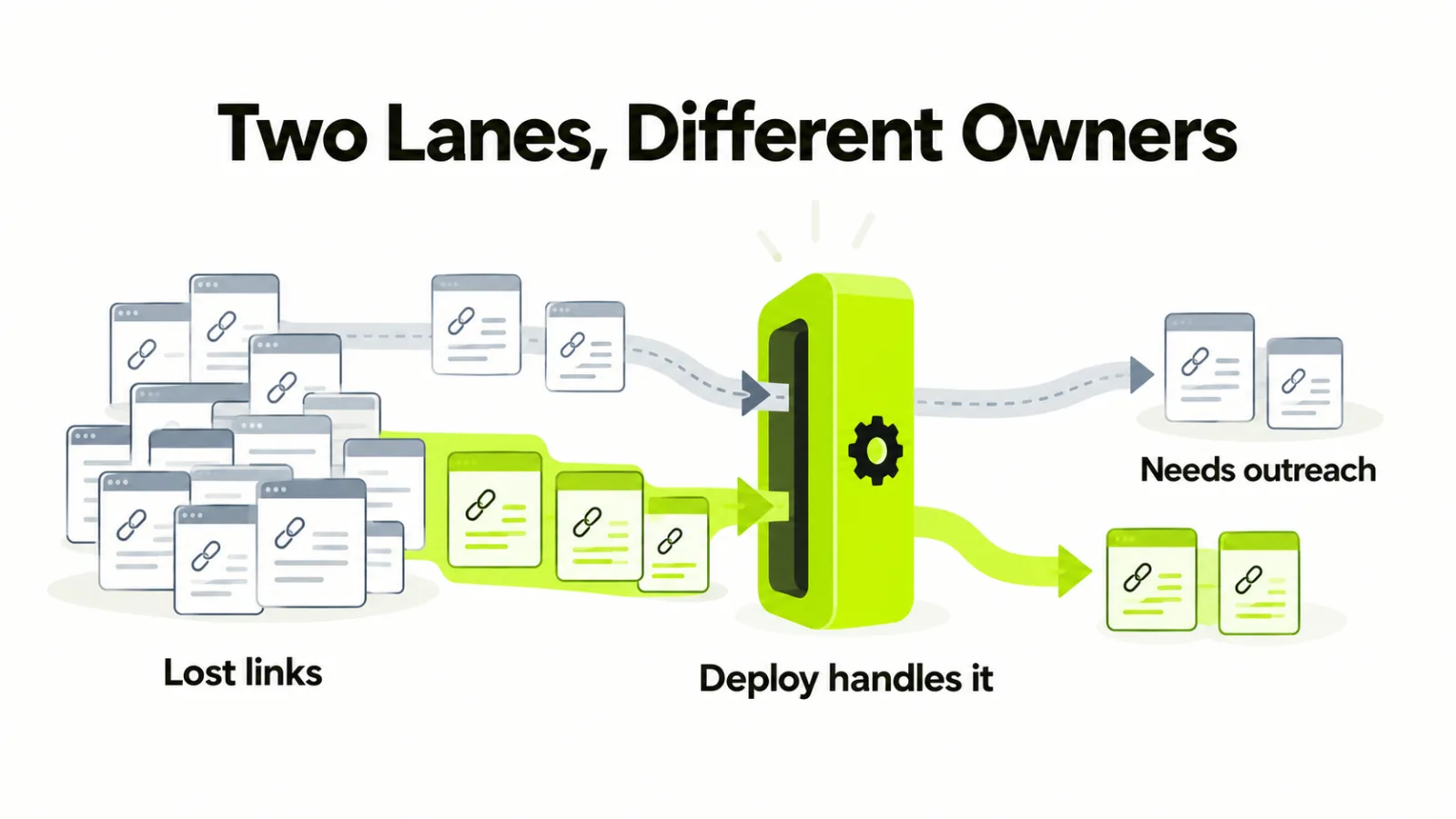
That changes who does the work. A redirect recovers the bulk of it without anyone writing an email, and outreach handles the smaller set that a redirect can’t reach.
Here are the three causes, and the fix each one takes.
Why this is the cheapest work in a link program
It’s cheap because the publisher already decided you were worth citing. The page exists, the editor agreed once, and that decision doesn’t need making twice.
Compare that to earning a new link, where you fund the asset, the research and the pitch before anyone says yes. Reclamation starts at the last step.
It’s also the part nobody owns. Half of it looks like engineering work. So it falls between the team that ships URLs and the team that counts links, and the losses sit there for years.
Cause one: your URL moved or died
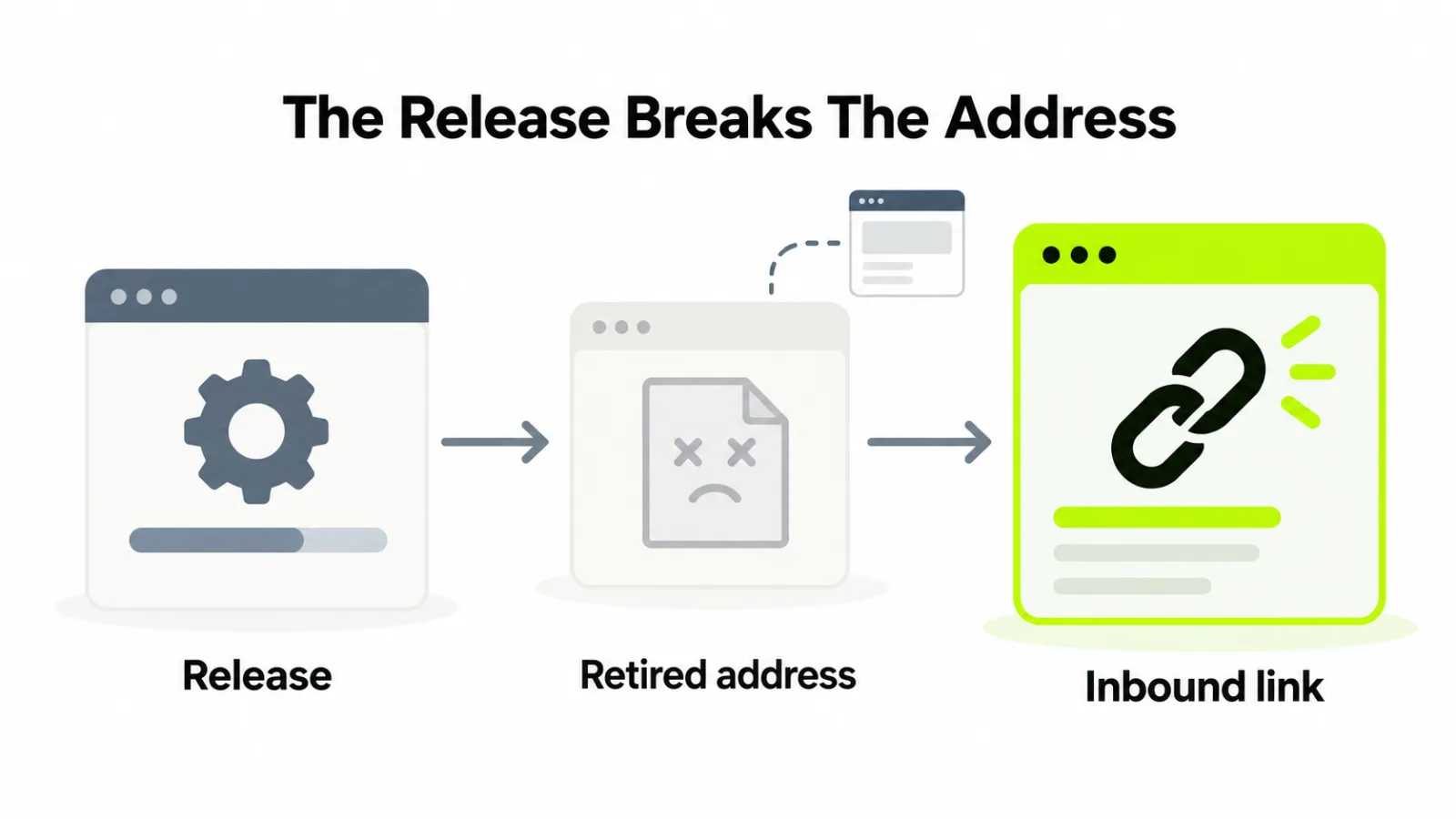
This is the big one in SaaS, and it’s invisible from a link report. Docs get restructured, a feature is sunset, a changelog is pruned. A pricing page is renamed, a help center moves platform, a subdomain becomes a subfolder.
Every one of those breaks addresses that other sites linked to, sometimes years earlier. The link still exists on their page. It now lands on a 404.
Nobody has to agree to fix it. A 301 from the dead address to the closest live page restores it, and the publisher never hears from you.
Our guide to technical SEO for SaaS covers the crawl and indexability side of this. For reclamation the job is narrower: find dead addresses that still have referring domains, and map each one deliberately.
Cause two: the link was removed or rewritten
Here the publisher acted. A rewrite dropped your link, a refresh swapped it for a competitor, or two articles were merged and only one set of links survived.
No redirect helps, because the target didn’t move. This is the set that needs an email, and it’s worth sending because the site already published you once.
Ask about the page, not the link. Editors respond to “the updated piece now cites a tool that shut down” far better than to “please restore my link”.
Cause three: the hop lost it
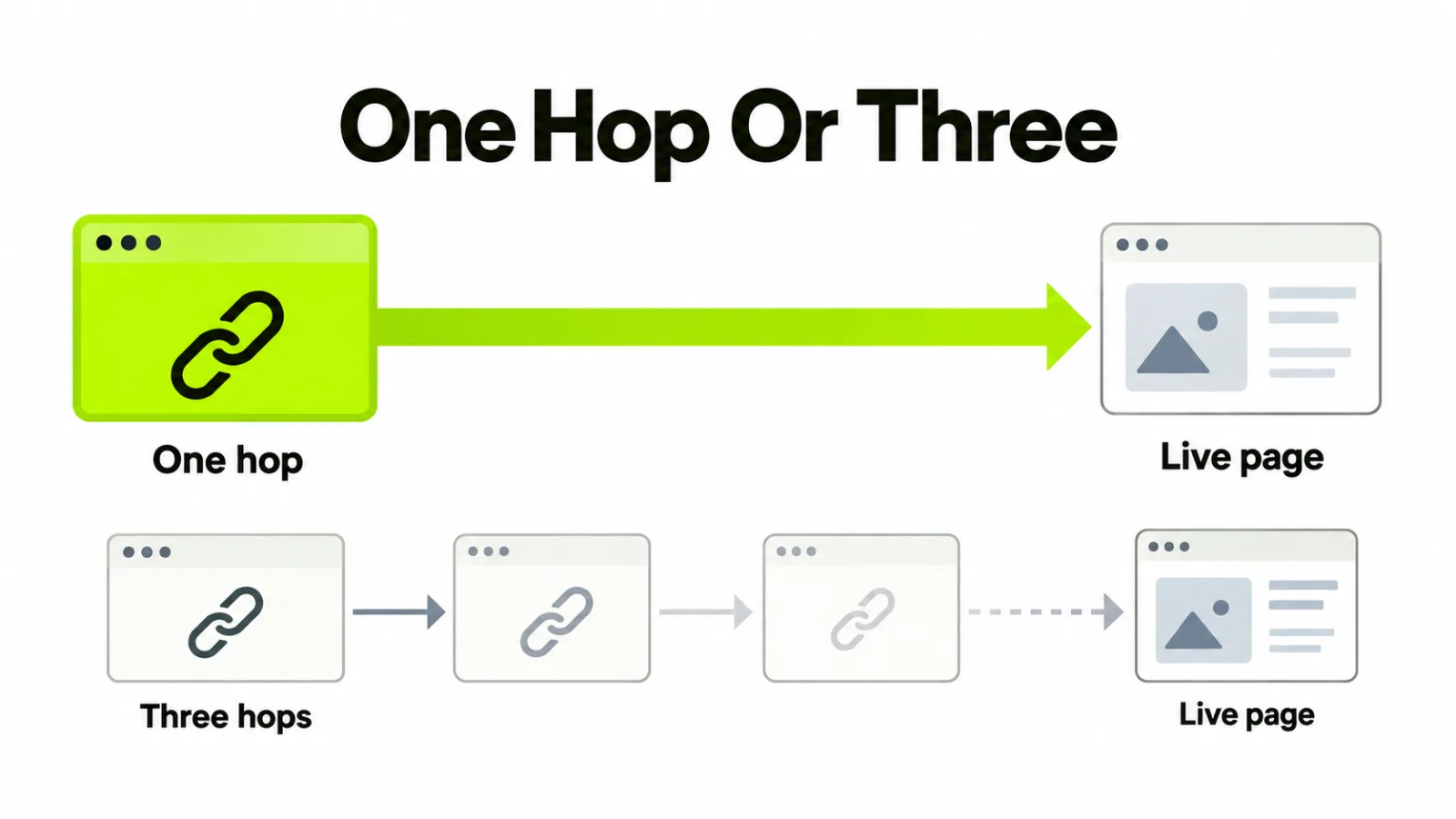
Redirects decay. A migration maps old to new, the next migration maps new to newer, and two years later an inbound link travels three hops or lands on the homepage.
Chains leak. A redirect to the homepage is worse than it looks, because search engines often treat it as a soft 404. A reader who wanted a spec sheet also gets a marketing page.
Flatten chains to a single hop. Point the oldest address straight at the current page, and keep that mapping in version control so the next migration inherits it.
The three causes side by side
Sorting losses by cause decides who picks them up and how long they take.
| Cause | What it looks like | Fix | Who does it |
|---|---|---|---|
| Your address died | Live link, 404 landing | One 301 to the closest live page | Engineering, no outreach |
| Link removed or rewritten | Page live, link gone | A short, specific email | Outreach |
| Redirect chain | Two or more hops, or a homepage landing | Flatten to a single hop | Engineering |
Two of the three rows never reach an inbox. That’s the finding most reclamation guides skip, because they start from the outreach.
Run the audit
Two lists, an hour of work. First, the lost-links report from any backlink tool, filtered to the last year or two.
Second, and more valuable: crawl your own site, list every address returning 404 or redirecting more than once, then match those against referring domains. Anything with inbound links goes on the fix list.
Sort by linking domains rather than by traffic. A dead docs page with eleven referring domains outranks a dead blog post with one, whatever their old visitor counts were.
Before you chase a lost link, check it’s one you want back. Our guide to evaluating backlink quality covers that test, and some losses are worth leaving lost.
Stop losing them
Reclamation is remedial. The same audit run once a quarter turns into prevention, and it costs less each time.
If the links weren’t yours to begin with, our guide to auditing an inherited backlink profile covers the order to work in.
Put a redirect step in the release checklist. Any change that retires an address, including docs moves and sunset features, ships with its mapping in the same pull request.
Then re-check placements after thirty days, which our link building checklist already covers for new links. The same check catches removals on old ones.
What this isn’t
It isn’t chasing mentions of your brand that never carried a link. That’s a different job with a different pitch, and our page on brand mentions covers it.
It also isn’t broken link building, which goes after dead pages that belong to somebody else. Reclamation is limited to links that pointed at you and stopped working.
Both are worth running. Start here, though, because this is the only one where the link was already yours. Most of what our SaaS link building work finds first is a 404 with inbound links behind it.
Frequently asked questions
What is link reclamation?
Link reclamation is recovering backlinks you already earned and then lost. The link was live once, so nobody has to be convinced your page deserves it, which is what makes this the cheapest work in a link program.
How do you find lost backlinks?
You pull the lost report in any backlink tool, then crawl your own site for URLs returning 404 that still have referring domains. The second list is usually longer and nobody owns it, because it looks like an engineering problem.
Does a redirect recover the link?
A single 301 to the closest live page passes nearly all of it. What leaks is chains: three hops, or a redirect to the homepage, which search engines often treat as a soft 404 and which sends readers nowhere useful.
Is reclaiming a lost link better than earning a new one?
Per hour spent, usually. The publisher already chose you once, the page already exists, and most of the fix is on your side of the wall.
Why do SaaS sites lose links so often?
Because the product ships. Docs get restructured, features get sunset, changelogs get pruned and pricing pages get renamed, and each of those breaks URLs that publications linked to years ago.
When is outreach the only option?
You need it when the link itself was removed or rewritten rather than the target moving. An editor dropped it in a rewrite, swapped it for a competitor, or the page was consolidated, and no redirect on your domain can bring it back.