SaaS Link Building
Backlink Monitoring for SaaS: Which Changes Need Action
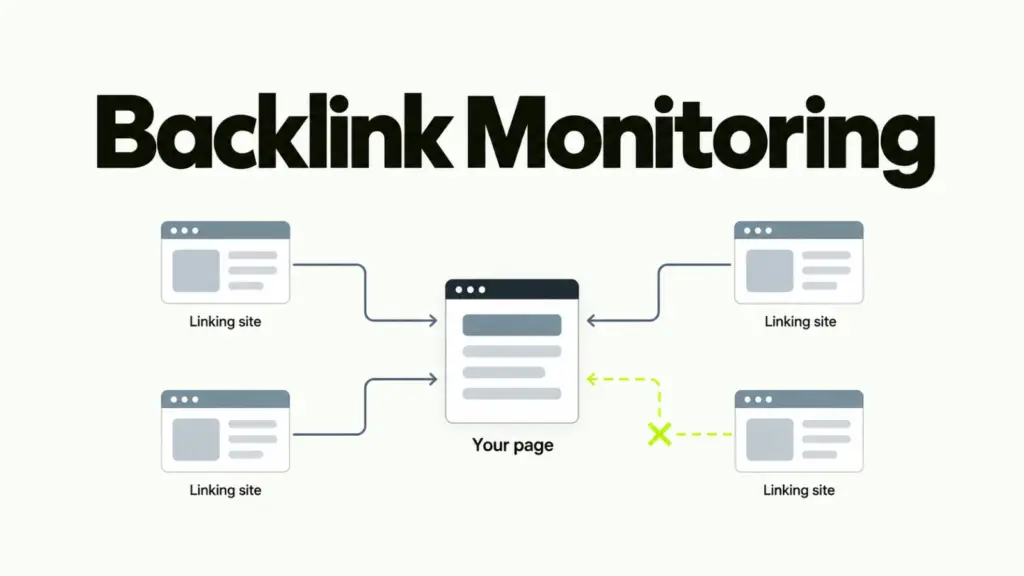
You open a link report and it shows a dozen lost links since last month, and nobody on the team knows which ones matter. That’s backlink monitoring without a rule for what to do with the result.
Watch four changes, check monthly and after any release, and act only where referring domains sit behind the change. A tool supplies the list. The rule is yours.
What backlink monitoring is for
Backlink monitoring is a standing check that tells you when a link you earned changes, so you can act while it’s still cheap to fix.
It isn’t a ranking report. It’s a record of links that already exist, so you can see when one stops working. In SaaS most of those stops start inside the company: a docs move, a renamed page, a sunset feature.
What to watch
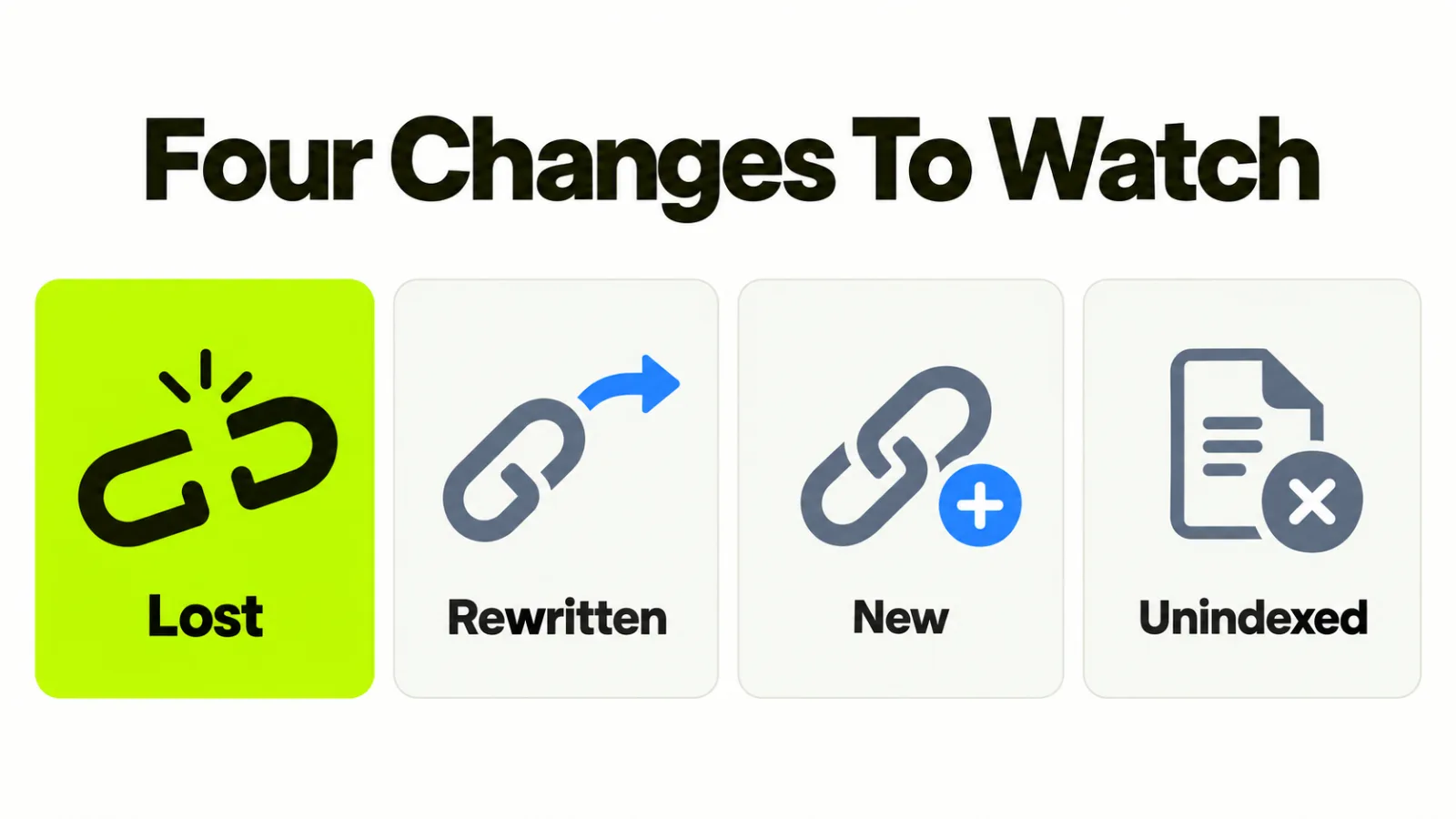
Watch four changes: a lost link, a rewritten link, a new link you didn’t ask for, and a linking page that has dropped out of the index.
A link is lost
The page may still exist and no longer link, the page may be gone, or your own address may now return a 404. A report says only “lost”. Which of those it is decides who fixes it.
A link is rewritten
The link is still there, but it points somewhere else, carries a different anchor, or has gained a nofollow or sponsored attribute. Rewrites are quieter than losses and often follow an article refresh.
A new link you didn’t ask for
Most are harmless. One pattern is worth a look: a cluster from unrelated sites, with one anchor, inside a single week. Our guide to auditing an inherited backlink profile covers what to do with it.
A linking page leaves the index
A link on a page that search engines no longer index is worth little, though the report still lists it. A monthly look at your best linking pages catches it.
When one has dropped out, the fix is usually on the publisher’s side, and our guide to getting a linking page indexed covers what to ask for.
How often to check
Check once a month, and again after any release that retires or moves an address.
The release check matters more than the calendar. Losses arrive in batches after a migration or a docs restructure with no redirect map, and a monthly check alone finds a dead section weeks after it broke.
Add one line to the release checklist: if the release retires an address, run the check that day. Checking more often than monthly mostly adds noise, because counts in any tool move as its crawler revisits pages.
Which changes need action
Act on losses with referring domains behind them and on any rewrite of your strongest links, and log the rest.
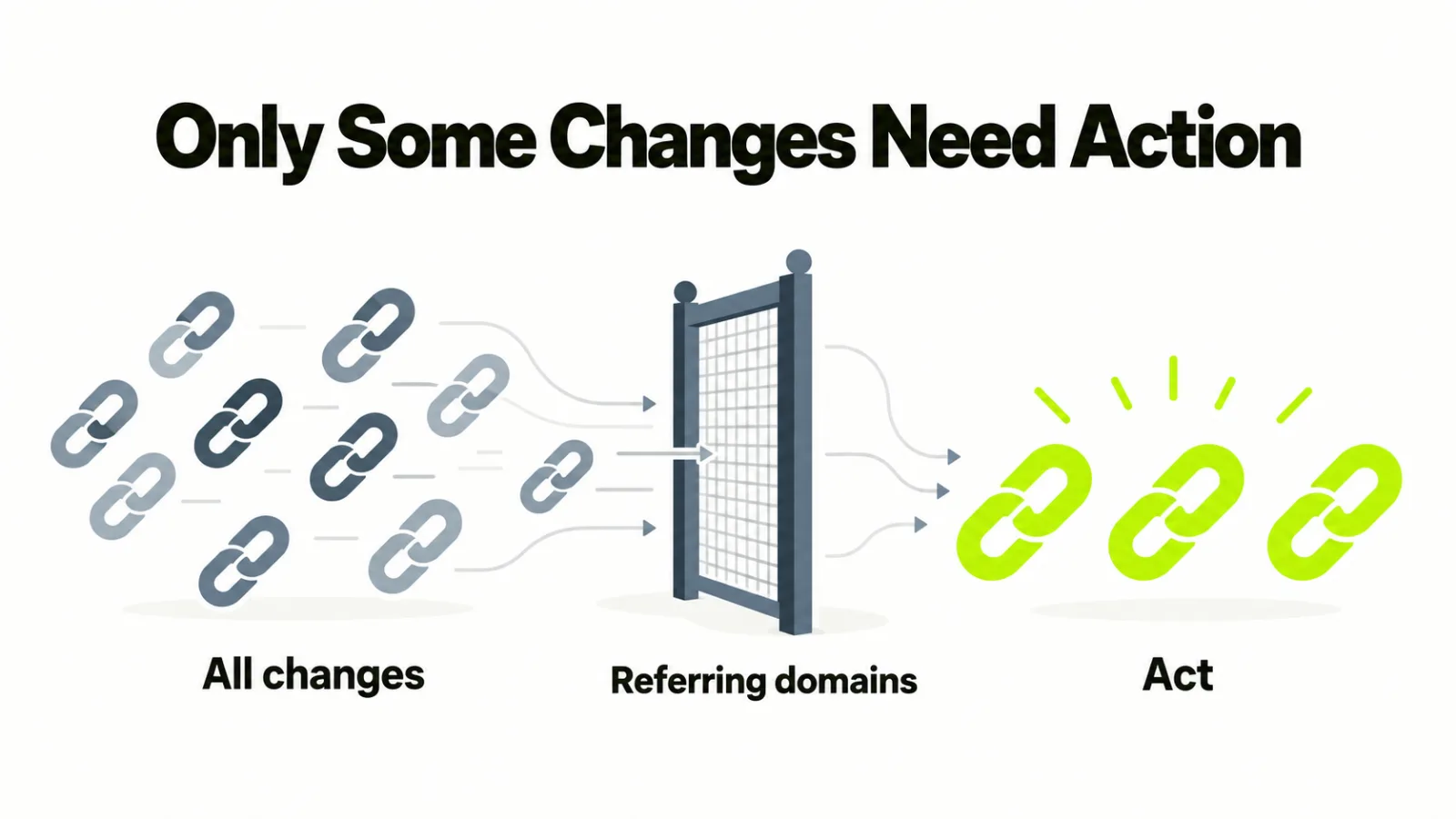
Sort by referring domains and not by traffic. A dead docs page with eleven linking domains outranks a dead blog post with one, whatever either used to draw.
| Change | Act when | Otherwise |
|---|---|---|
| Lost link | Two or more referring domains sit behind the address, or the page was one of your best | Log it and move on |
| Rewritten link | The link was one of your strongest, or the new target is a competitor | Log it |
| New link | A cluster appears with one anchor on unrelated sites | Leave it |
| Page leaves the index | The page carried one of your better links | Log it |
Before you chase a loss, check it’s one you want back. Our guide to judging the quality of a link covers the test, and some losses are worth leaving lost.
What to put in the log
Keep one line per change, with five fields:
- The date the change appeared
- The linking page and your address
- What changed
- The decision and the reason
- The owner of the fix
A log turns a monthly report into a history. When a score drops, you can trace it to the change behind it, and our post on how domain authority moves covers why scores lag the work.
What a monitoring tool can and can’t do
A monitoring tool reports changes in its own index, so it misses some links and lags on others.
Two tools will disagree about one site. Pick one as the record and compare it only with itself from month to month. The links report in Search Console is a free second view of who links to you.
When the check finds a loss with domains behind it, our guide to getting back links you broke covers the fix and who does it.
Frequently asked questions
What’s the difference between backlink monitoring and a backlink audit?
Monitoring is the standing check for changes. An audit is a one-time read of the whole profile. Run an audit when you inherit a profile or suspect a problem, and monitor from then on.
Is backlink monitoring worth paying for?
Pay when the list is too long to read by hand, or when missing a loss costs more than the tool does. A small site can run the routine on a free tier and the links report in Search Console.
Should you monitor nofollow links?
Log them, but act on them last. A nofollow link isn’t meant to pass ranking credit, so a loss there matters less than one on a followed link, though a reader can still click it.
Can you monitor competitors’ backlinks the same way?
Yes, with the same tool. The question changes: you’re looking for new links worth earning and not losses to repair. Our guide to which ones you can earn sorts them.