SaaS Link Building
6 Backlink Management Tools for SaaS Teams: What Each One Is Good For
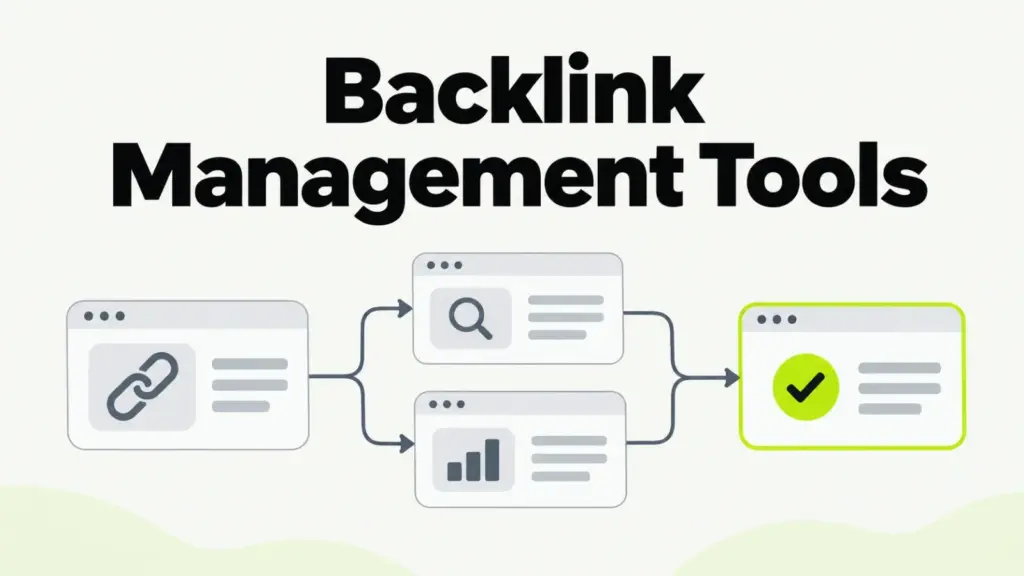
Backlink management tools split into three jobs: link data (Google Search Console, Ahrefs, Semrush, Majestic), outreach tracking (BuzzStream, Pitchbox) and a record of every placement. Most SaaS teams need Search Console, one link index and a placement ledger. An outreach CRM earns its cost once more than one person pitches publishers.
What does backlink management cover for a SaaS team?
Backlink management is the record-keeping and checking around your links: who links to you, which placements your team earned, whether each one is still live, and which ones carry risk. Monitoring is one part of it. Management also covers the outreach that produced each link and the log that shows where it came from.
Five jobs sit under the term, and no single tool does all five well:
- Prospecting finds pages worth pitching.
- Outreach tracking shows who you contacted and what they said.
- The placement record logs each link your team earned or paid for.
- Live checks catch removed or changed links.
- Risk review decides what, if anything, to disavow.
Read the list by the job each tool does. A team that expects its backlink index to also run outreach ends up tracking placements across inboxes and memory, which is where links go missing.
How were these six tools chosen?
These six backlink management tools were picked against tests that matter to a B2B SaaS team running editorial link building. Each one does at least one management job well and is a standard tool that outreach freelancers and agencies already know.
Each tool was judged on five points:
- It owns at least one job: link data, outreach tracking or placement records.
- Its data or workflow exports cleanly, so your records outlive the subscription.
- It supports relevance checks, such as the linking site’s topic, beyond one authority score.
- It fits a team where one marketer or contractor runs link work part-time.
- It never nudges you toward bought or swapped links.
Pricing changes often, so this page describes how each tool charges instead of quoting plans. Check each vendor’s own pricing page before you budget.
1. Google Search Console: the free baseline from Google
Google Search Console is Google’s free dashboard for site owners, and its Links report shows external links Google has found to your site. It lists top linking sites, top linked pages and top linking text. Verify your site here before you pay for anything else.
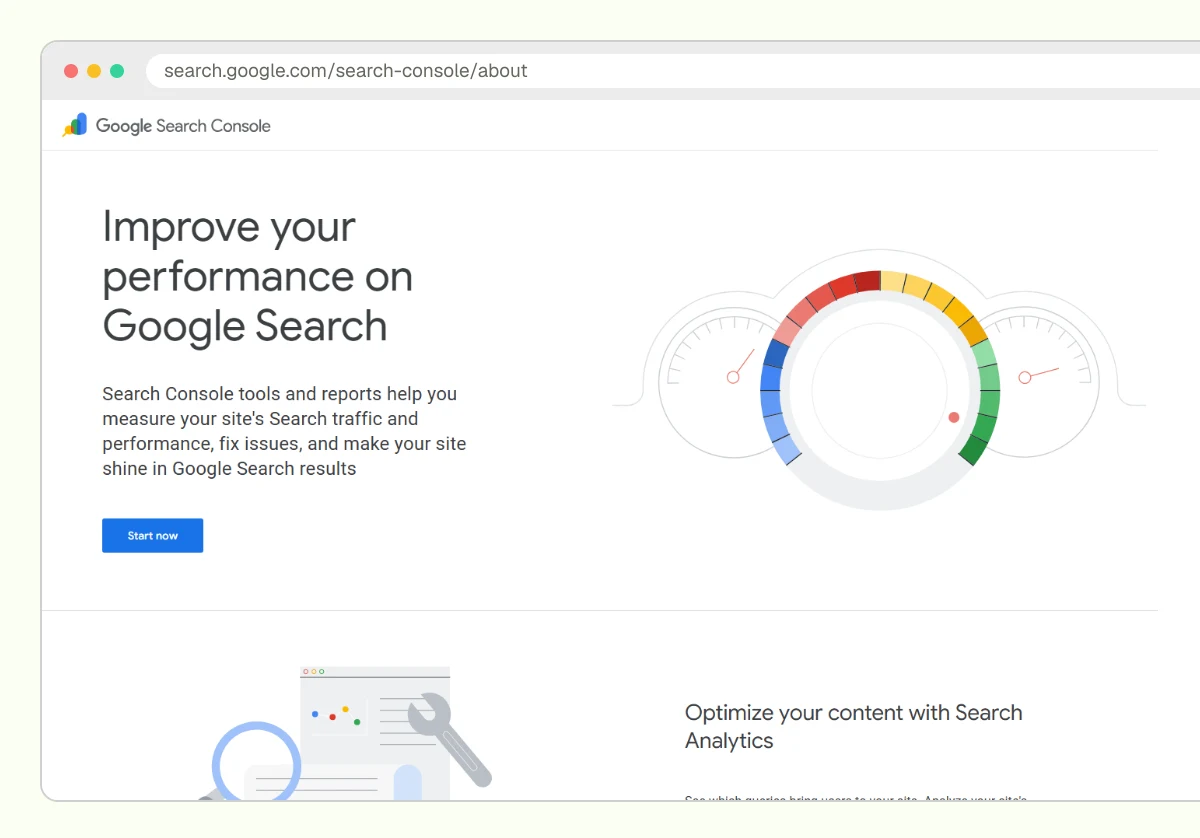
Search Console suits every SaaS team as the baseline, and it’s where the disavow tool lives. Its strength is the source: a link listed there is one Google’s own crawl has found.
The limits are real. The Links report shows a sample of links, sends no alerts for new or lost links and offers little history to trend. Use it to confirm links, and keep your working record elsewhere.
2. Ahrefs: link data, alerts and competitor gaps
Ahrefs is a paid SEO suite built on its own web crawler, and its Site Explorer shows the backlinks found to any domain, with new and lost links over time. Alerts email you when links appear or drop. Ahrefs Webmaster Tools gives verified site owners a free, more limited version for their own sites.
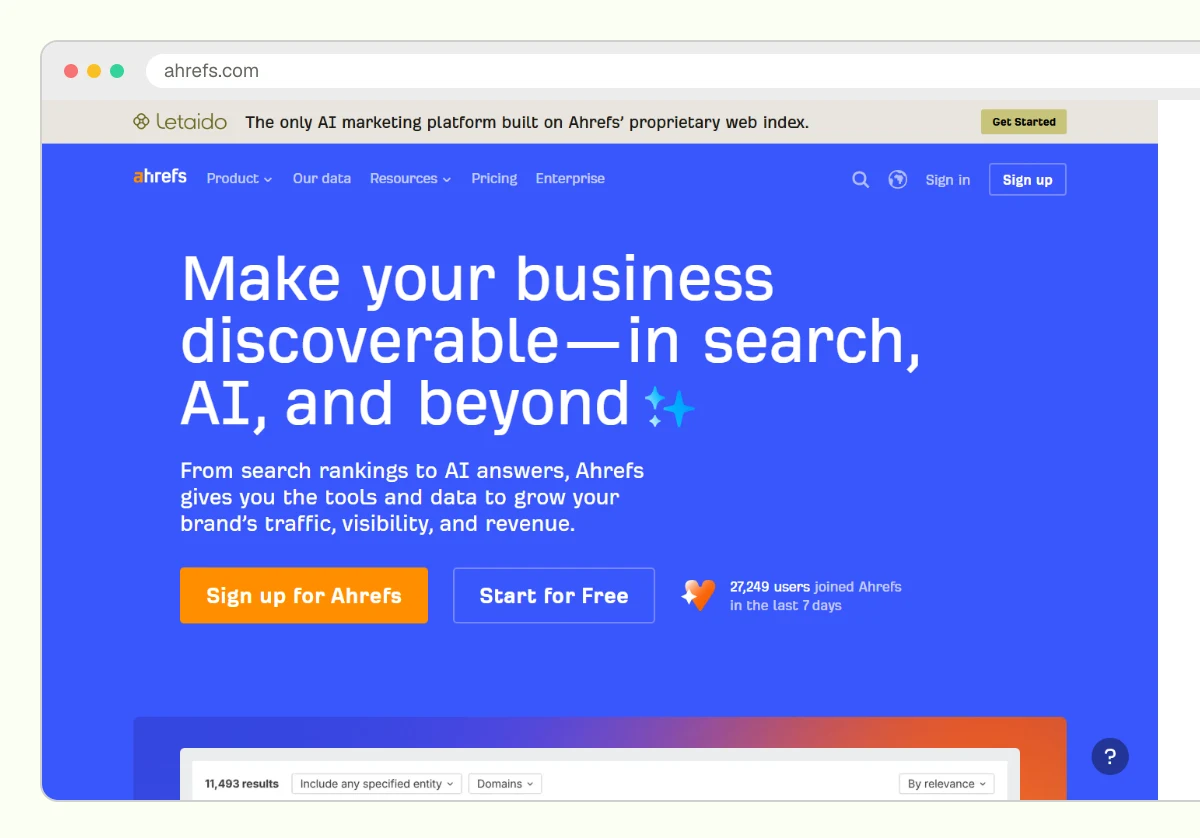
Ahrefs suits SaaS teams that want one index for their own links and their competitors’. Its management strength is the lost-link view, which shows which placements need a look. Competitor exports also feed prospect lists, the starting point for judging which competitor backlinks you can earn.
The limit: Domain Rating is Ahrefs’ own score, and Google doesn’t use it. Ahrefs has no outreach CRM, so contacts and replies live in another tool. Billing is a monthly subscription with usage limits.
3. Semrush: link data plus a built-in audit and outreach tool
Semrush is a paid SEO suite whose backlink tools cover three jobs: Backlink Analytics for link data, Backlink Audit for risk review and the Link Building Tool for prospecting and outreach. Backlink Audit can export a file in the format Google’s disavow tool accepts.
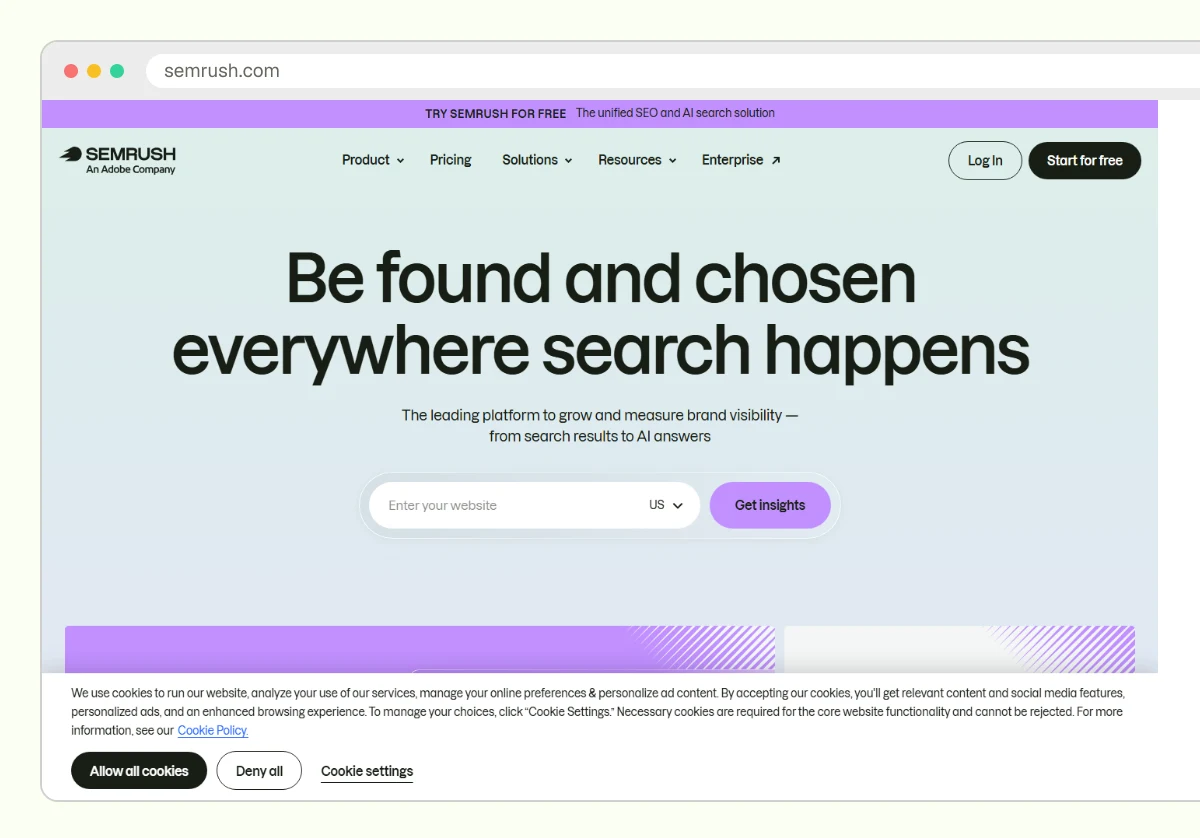
Semrush suits a team that wants one subscription for link data, a light outreach tracker and keyword research. Its strength is the handoff: a prospect found in one tool moves into outreach without a spreadsheet in between.
The limit is the risk score. Semrush’s toxicity rating is its own heuristic, and Google has said its systems ignore many spammy links on their own. A disavow file built from that score alone throws away links that were doing no harm.
4. Majestic: a second opinion on link history and topic
Majestic is a paid link index that scores links with Trust Flow and Citation Flow and tags sites by subject with Topical Trust Flow. Its historic index keeps links that have since dropped, which helps when you inherit a domain and need to see its past.
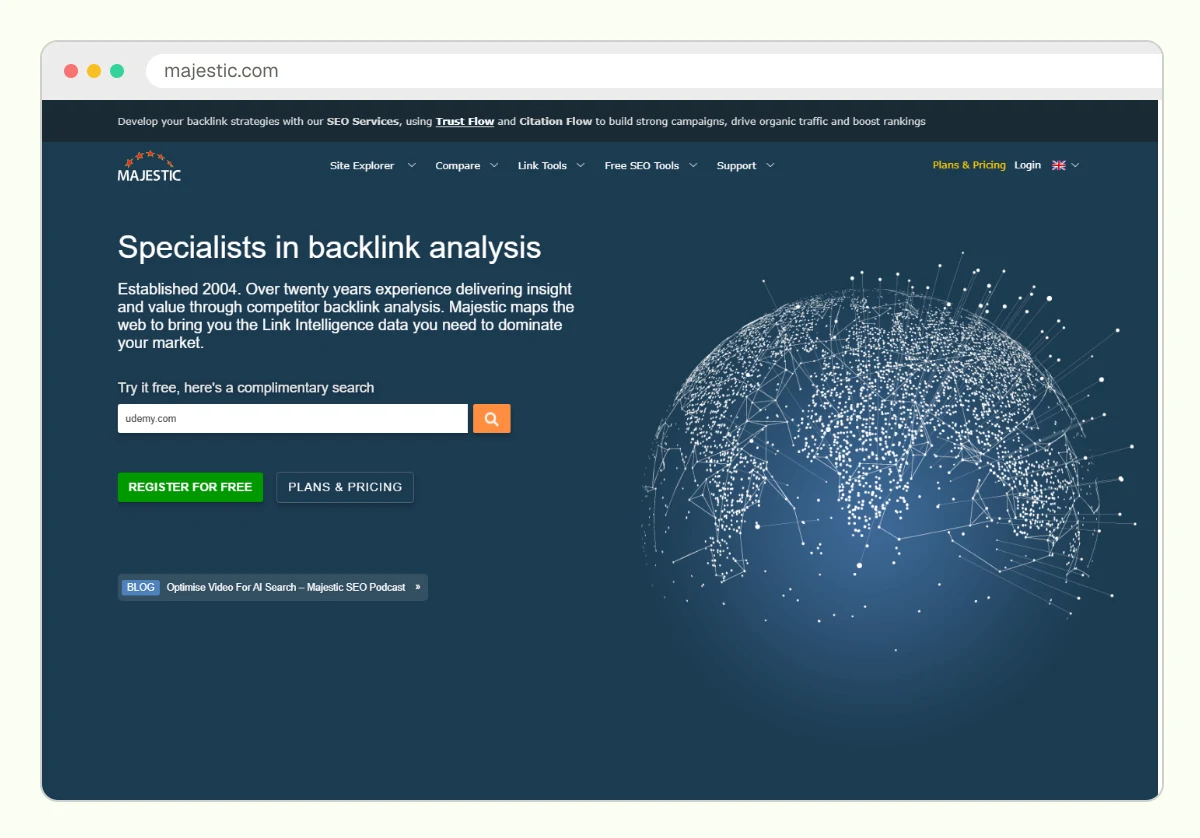
Majestic suits audits more than daily management. Its strength is topic tagging: a link from a site tagged close to your software category reads differently from one tagged in gambling or loans.
The limit is scope. Majestic has no outreach or placement tracking, and two paid indexes is one too many for a small team. Use Majestic for a one-off audit, or pick it as your only index if topic data matters most to you.
5. BuzzStream: an outreach CRM for small teams
BuzzStream is a paid outreach CRM: it stores prospects, finds contact details, sends templated emails and keeps every conversation with a publisher in one record. Anyone on the team can see who already pitched an editor before writing again.
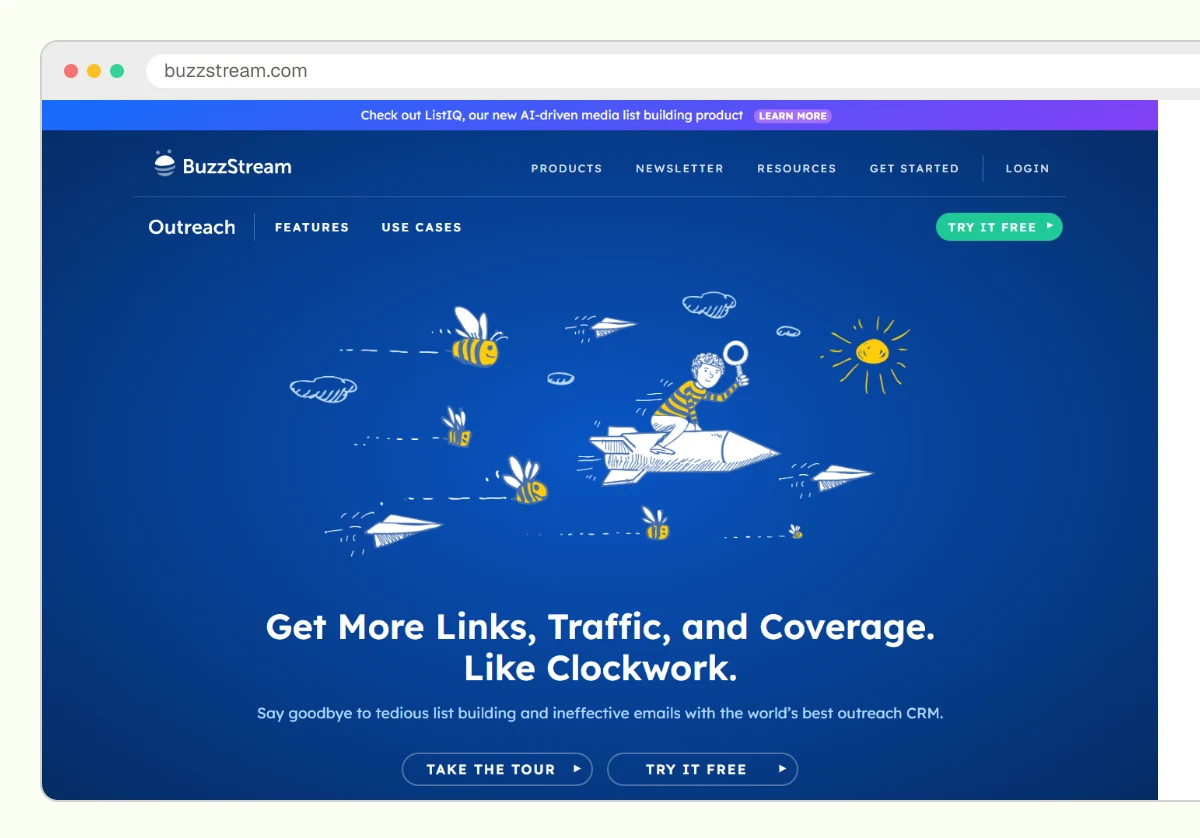
BuzzStream suits a SaaS team where two or three people pitch the same trade blogs and podcasts. Its strength is relationship history. When a contractor leaves, the record of who placed your integration guide stays with your team.
The limit is link data. BuzzStream relies on you or a connected tool for backlink metrics, and its checks on placed links are narrower than a full index.
6. Pitchbox: outreach at agency volume
Pitchbox is a paid outreach platform built for high-volume link building, with prospecting, multi-step follow-up sequences, team approvals and reporting in one workflow. It pulls SEO metrics from connected data providers to rank prospects.
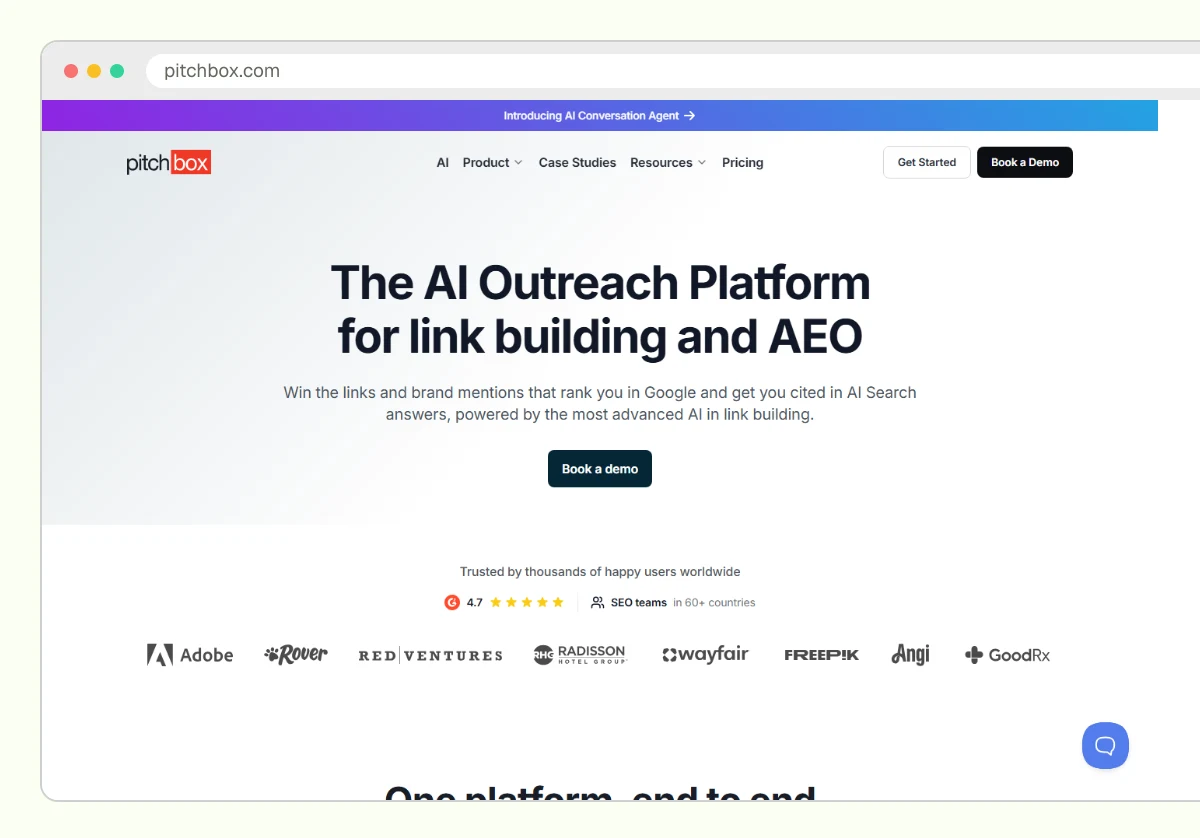
Pitchbox suits agencies and SaaS companies with a dedicated outreach team running several campaigns at once. Its strength is control: managers approve templates and prospect lists before emails go out, which keeps a large team’s tone consistent.
The limit is weight. Setup takes real effort, and pricing targets volume buyers. Automated sequences also make it easy to email an editor more than they want, so cap every sequence at one follow-up.
Which backlink management tool fits which job?
Each backlink management tool covers one or two jobs, so the table lines them up side by side. Read across a row to see where a tool stops and the next one starts.
| Tool | Main job | Who it suits | Where it falls short | How it charges |
|---|---|---|---|---|
| Google Search Console | Google’s own link sample, disavow tool | Every site | Sample only, no link alerts | Free |
| Ahrefs | Link index, new and lost alerts, competitor gaps | Teams wanting one index | No outreach, DR is not a Google metric | Subscription, free Webmaster Tools for your own site |
| Semrush | Link data, audit, outreach tool | Teams wanting one subscription | Risk score invites over-disavowing | Subscription |
| Majestic | Topic and historic link data | Audits, inherited domains | No outreach or tracking | Subscription |
| BuzzStream | Outreach CRM | Small teams pitching together | Thin link data | Subscription |
| Pitchbox | Outreach workflow at volume | Agencies, dedicated outreach teams | Heavy setup for small teams | |
| Spreadsheet ledger | Placement record | Every team | Only as good as its upkeep | Free |
The last row matters most. Every paid tool above disappears with a cancelled subscription, and the placement ledger is the one record your team owns outright.
Link tools report links. Whether AI assistants cite your brand is a separate question, and the comparison of AEO and SEO for SaaS covers where the two kinds of work overlap.
How do you set up a backlink management workflow?
A backlink management workflow connects the tools in the order a link moves: found, pitched, placed, logged, checked. Set it up once and every placement leaves a trail, so a lost link takes minutes to trace rather than an afternoon.

- Verify the site in Google Search Console and export the Links report as your baseline.
- Pick one link index, Ahrefs or Semrush, and turn on alerts for new and lost links.
- Create a placement ledger with one row per earned or paid placement.
- Log every pitch in one place: an outreach CRM for a team, the ledger for a solo marketer.
- Record the rel attribute on each live link, and confirm any paid placement carries rel=”sponsored”.
- Recheck each placement monthly, and log removals before you chase any of them.
Here’s a worked example. A Series A HR software company has one content marketer and a part-time outreach contractor, both pitching HR and payroll trade publications.
The stack that fits is Search Console, one Ahrefs or Semrush subscription, BuzzStream for shared pitches and a Google Sheet as the ledger. A typical ledger row reads like this:
Linking page: payroll trade blog article on onboarding software. Target: integrations page. Anchor: brand name. Type: editorial mention. Rel: followed. Found by: new-link alert. Last check: live, unchanged. Owner: contractor.
When the contractor leaves, that row and the BuzzStream thread tell the next person who placed the link and how. Skip Pitchbox and Majestic here. Neither solves a problem this team has yet.
The placement type column earns its place when you review the mix. A ledger heavy with guest posts tells a different story from one built on editorial mentions, and the page on whether guest posts help SaaS SEO covers that trade-off.
What should you never let a backlink tool decide?
Backlink tools never decide whether a link is relevant, earned or harmful: they report what their crawler found and score it with their own formulas. Those scores help you sort. Stop and read the linking page when any of these comes up:
- You’re about to disavow links because a third-party toxicity score flagged them.
- Your report counts links and authority scores but never shows which page each link points to.
- A lost-link alert triggers outreach before anyone checks why the page changed.
- Two tools disagree on a link count, and you’re treating one of them as complete.
- A vendor’s report lists placements you can’t find on the live page.
Google’s spam policies treat buying or selling links that pass ranking credit as link spam. If a placement in your ledger was paid, Google’s guidance on qualifying outbound links says it should carry rel=”sponsored”, so log the attribute and check it stays.
Google also describes the disavow tool as a last step for unnatural links you can’t get removed, and says most sites never need it.
Which tool stack fits your stage?
The right backlink management stack depends on how many people pitch publishers and how many placements you track. Buy for the team you have now. Tools bought for a future outreach team sit unused and still bill.
A solo marketer or founder needs:
- Google Search Console, verified and checked monthly.
- Ahrefs Webmaster Tools or one paid link index.
- A spreadsheet ledger that doubles as the outreach log.
- A recurring reminder to recheck live placements.
A team with two or more people pitching needs:
- One paid index with lost-link alerts shared across the team.
- BuzzStream, or Pitchbox once outreach runs at agency volume.
- A named ledger owner who matches CRM wins to live links.
If you outsource placements, ask the provider for its placement records every month: page URL, target URL, anchor and rel attribute. A provider that won’t share them is asking you to trust a link count you can’t check. For the plan those links serve, see how to build a SaaS SEO strategy that scales.
Start your placement ledger before you buy anything
This week, open a blank sheet and add one row for every link you know your team earned, with page, target URL, anchor and rel attribute. Then export Search Console’s Links report and see which rows Google already lists. The gaps tell you which tool you’re missing, and whether you need one at all.
Frequently asked questions
Yes, for a small link profile. Google Search Console, Ahrefs Webmaster Tools for your own verified site and a spreadsheet ledger cover the basics. You give up competitor data and lost-link alerts, which start to matter once you run outreach every month.
No. Tools only read and report links. The risk comes from what you do with them: mass outreach, bought followed links or a disavow file built from scores alone.
One named person, usually the content or SEO lead, owns the ledger even when contractors or an agency do the pitching. Ownership matters more than the tool, because links everyone tracks end up tracked by no one.
No. Reclaim links lost to a broken URL or a site migration on your side, because the fix is yours to make. When an editor removed a link on purpose, one polite question is fine, and pushing past that rarely works.
Yes. Log every placement with its rel attribute. Google treats nofollow, sponsored and ugc as hints, and a nofollow link from a trade publication still sends buyers your way.