SaaS Link Building
7 Backlink Monitoring Tools for SaaS Teams
Backlink monitoring tools watch your link profile for new, lost and suspicious links so you can react before a lost placement or a spam spike costs you. For most SaaS teams, Google Search Console plus one paid index (Ahrefs or Semrush) covers the job. The rest fit narrower needs.
How we picked these backlink monitoring tools
A backlink monitoring tool earns a place here if it does four things: reports new and lost links, lets you filter by quality, sends alerts or scheduled reports, and exports data. We did not run hands-on tests, so every description below comes from each vendor's public positioning and common use. Check current features before you buy.
Price is left out on purpose. Plans change often, so each entry says what drives cost, and you should confirm numbers on the vendor's pricing page.
Monitoring only tells you what changed. For deciding which changes need action, read backlink monitoring for SaaS.
Google Search Console
Google Search Console is Google's free tool and the only source that shows links from Google's own point of view. Its links report lists top linking sites, top linked pages and top anchor text for a verified property.
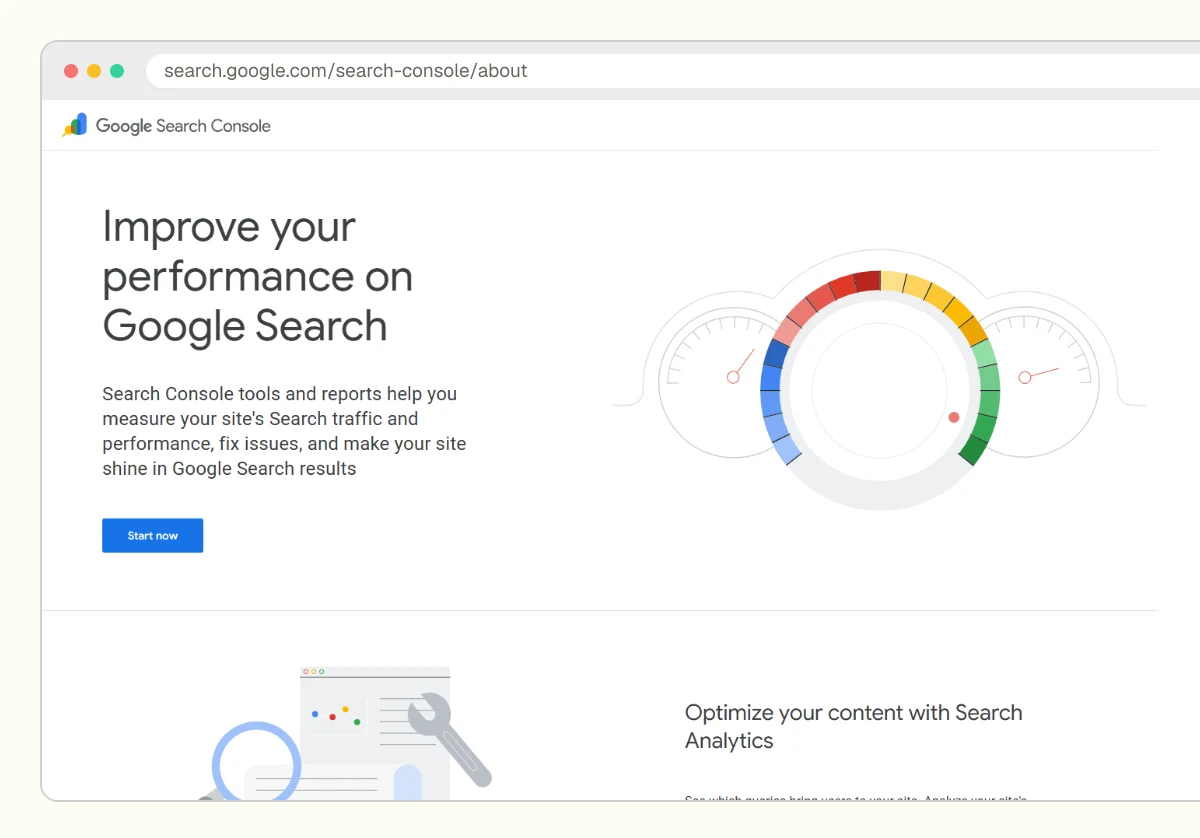
It suits every SaaS site, whatever the stage. Strengths: free, first-party, no sampling of other vendors' crawlers. Limits: no alerts for lost links, no history of changes, and no quality scoring. Treat it as the baseline, not the whole system.
Ahrefs
Ahrefs is a paid SEO suite with one of the larger independent link indexes. Its backlink tools show new and lost links, referring domains, anchors and broken links, and it offers alerts for backlink changes (check the vendor's help centre for the current alert types and which plans include them).
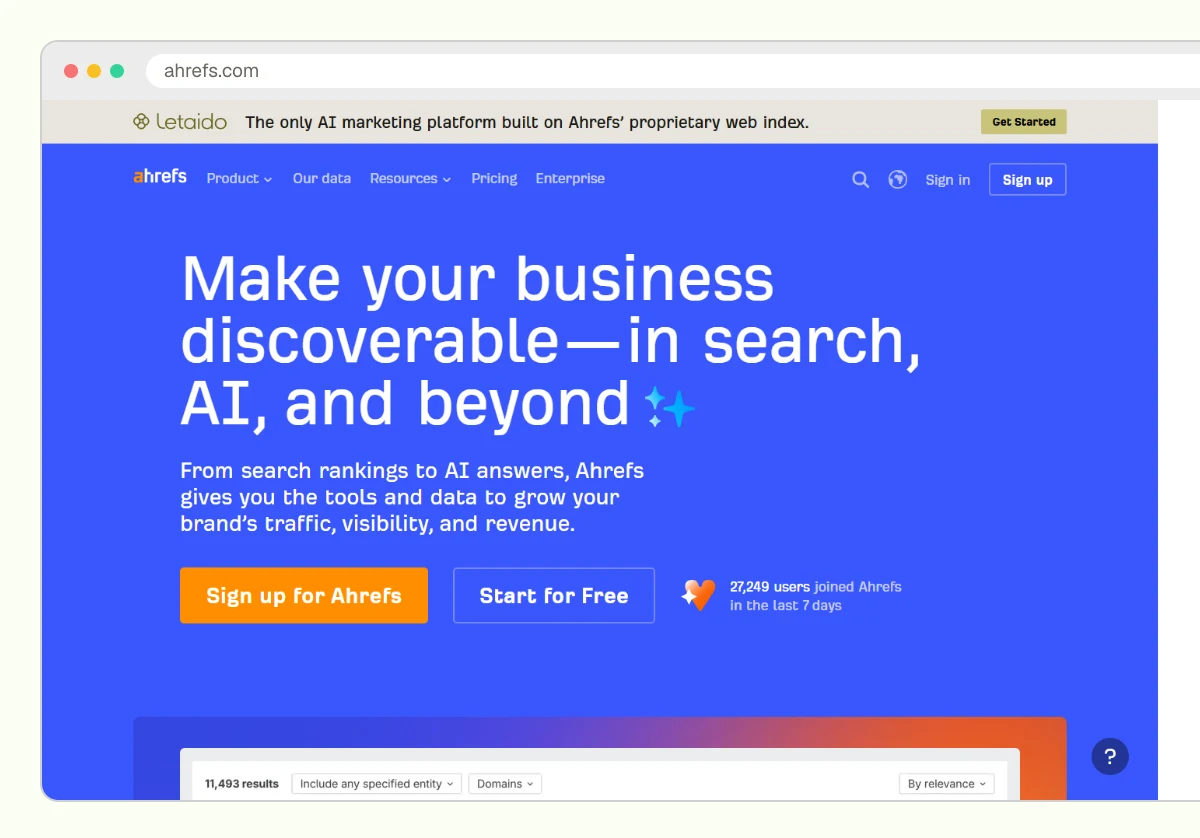
It suits Series A and later teams that run active link building and need to confirm placements went live and stayed live. Strengths: fast discovery, clean filters, strong export. Limits: cost rises with seats and limits, and no vendor index sees every link.
Semrush
Semrush is a paid SEO suite whose Backlink Analytics reports on referring domains and its Backlink Audit tool scores links for toxicity (check the vendor's pricing page for which plans include Backlink Audit).
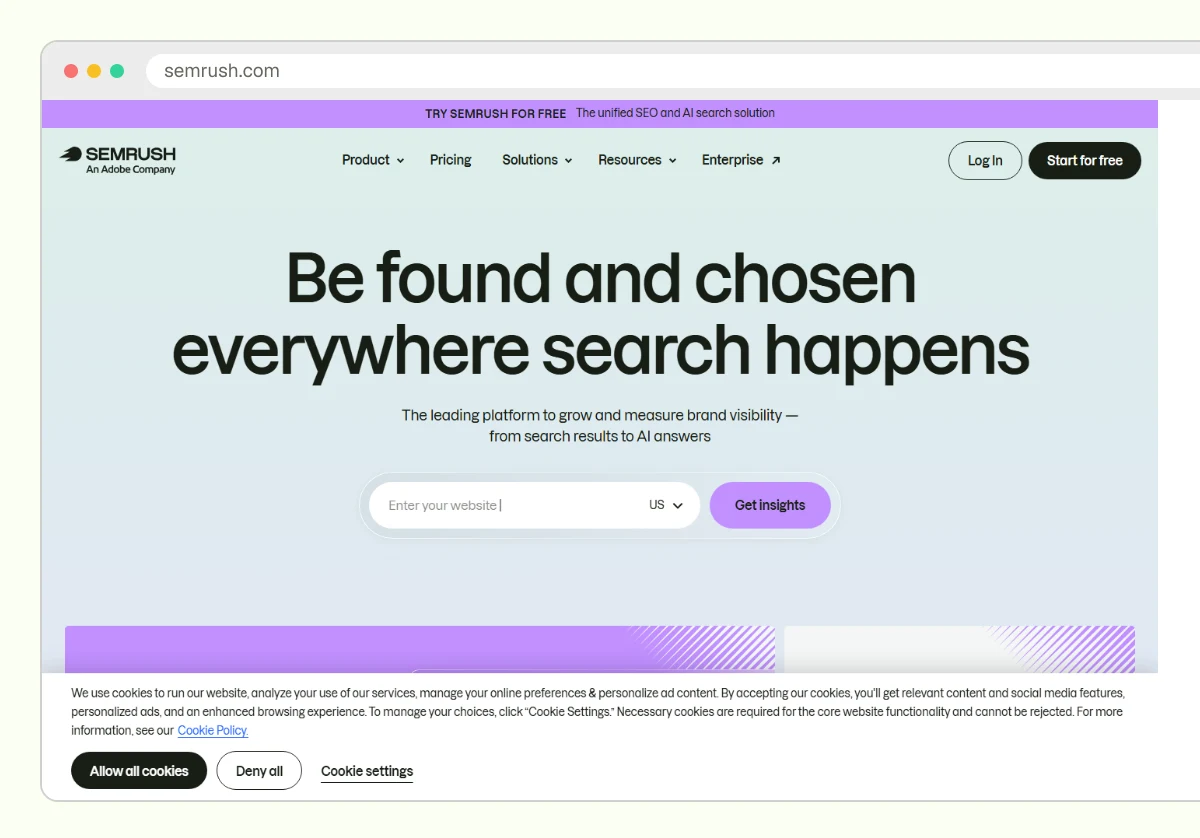
It suits teams that already use Semrush for rank tracking and want link data in the same place. Strengths: one dashboard for several SEO jobs, and a built-in audit workflow. Limits: toxicity scores are a vendor's estimate. Google's spam policies are the real standard, so never disavow on a score alone.
Moz Pro
Moz Pro is a paid suite built around Link Explorer, which reports linking domains, anchors, and a spam score for sites.
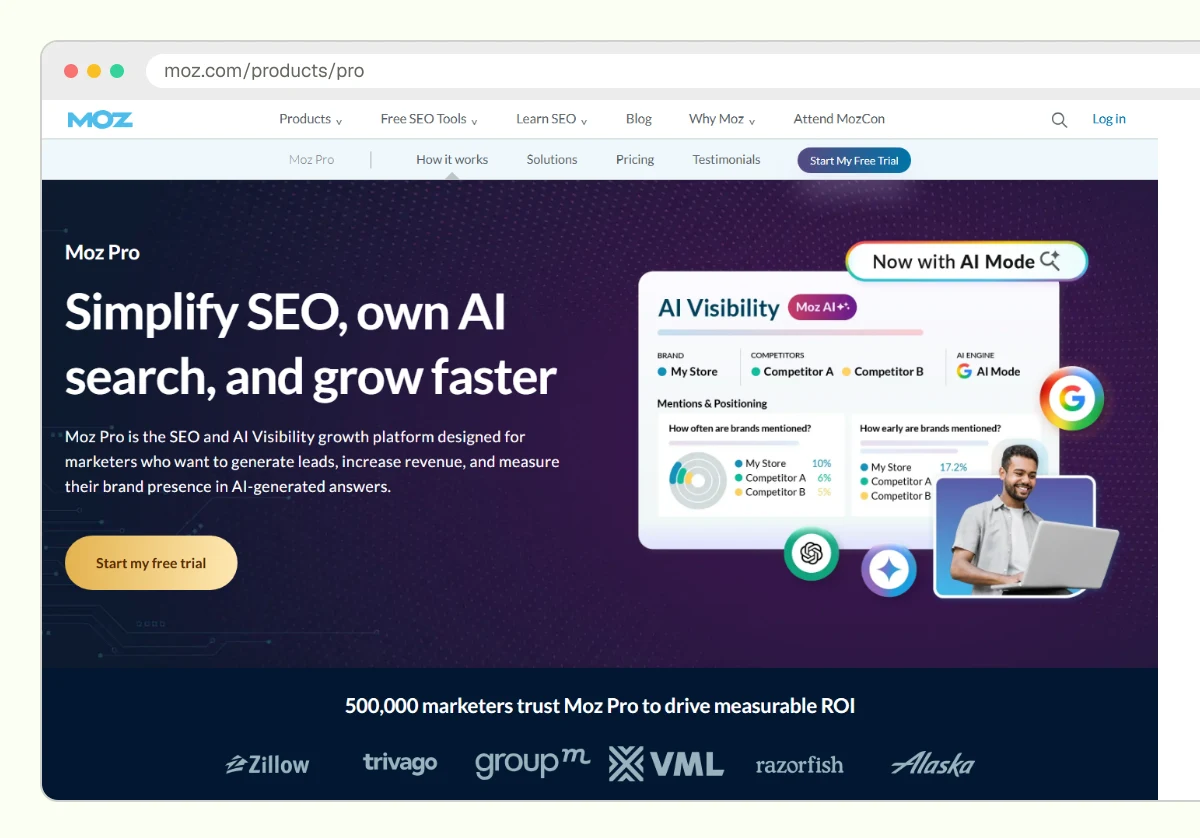
It suits small teams that want a simple interface and are comfortable with Moz's Domain Authority metric. Strengths: easy to read, good for quick checks. Limits: Domain Authority is a third-party score that Google does not use, and the index may miss links others find. Pair it with the signals in how to evaluate backlink quality.
Majestic
Majestic is a link-focused index known for Trust Flow and Citation Flow, two scores that describe link quality and volume.
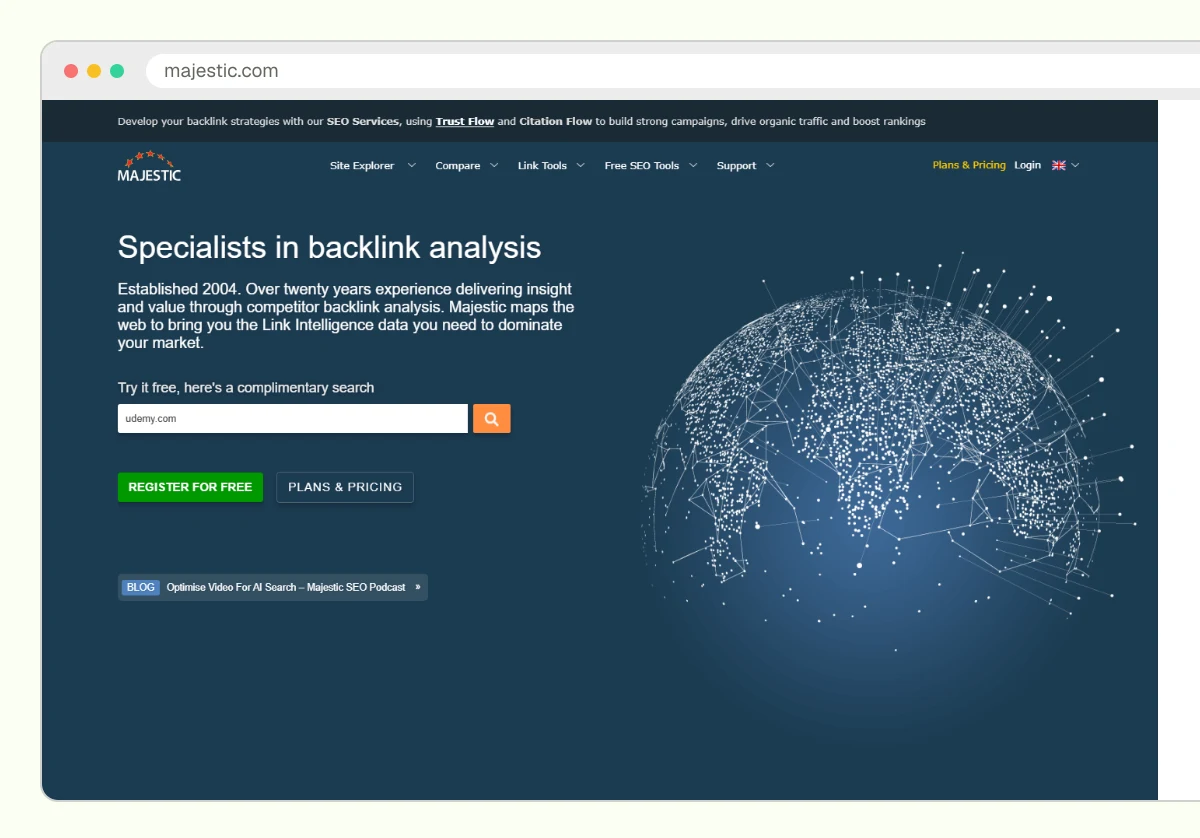
It suits teams that want a second opinion on link data without a full SEO suite. Strengths: a specialist index and historic data. Limits: it is a link tool only, the interface feels dated to some users, and its flow scores are vendor metrics, not Google signals.
Monitor Backlinks
Monitor Backlinks is a smaller paid tool built for one job: tracking links you care about. You add the pages and links to watch, and it reports when they change or disappear (check the vendor's site for the current features and plan limits).
It suits founders and lean teams who just want to know when a hard-won placement vanishes or loses its dofollow status. Strengths: narrow focus, simple setup. Limits: less depth for competitor research, so it will not replace a full suite.
SE Ranking
SE Ranking is a paid, lower-cost SEO platform with a backlink monitoring module for tracking new and lost links alongside rank tracking (check the vendor's pricing page for which plans include backlink monitoring).
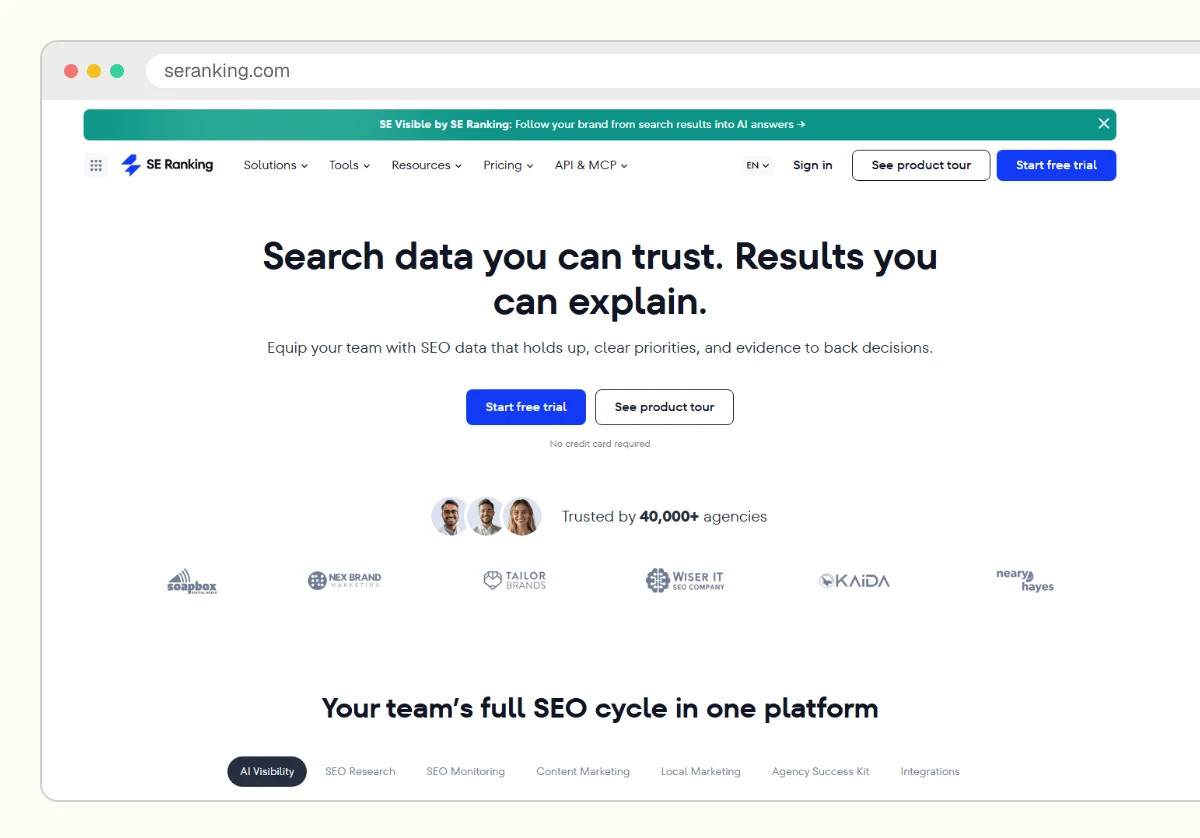
It suits budget-conscious teams and agencies that want rankings and link tracking together. Strengths: broad coverage for the price tier. Limits: a smaller link index than the largest suites, so expect gaps against Ahrefs on newer placements.
Summary table
| Tool | Cost | Best for | Main limit |
|---|---|---|---|
| Google Search Console | Free | Every SaaS site, baseline | No alerts or change history |
| Ahrefs | Paid | Active link building programs | Cost grows with limits |
| Semrush | Paid | Teams already on Semrush | Toxicity score is an estimate |
| Moz Pro | Paid | Small teams, quick checks | Domain Authority is not a Google metric |
| Majestic | Paid | Second-opinion link data | Link-only, vendor metrics |
| Monitor Backlinks | Paid | Watching specific placements | Narrow scope |
| SE Ranking | Paid, lower tier | Budget teams and agencies | Smaller index |
How to choose by stage
Choose a backlink monitoring tool by how many links you earn and who reviews the alerts. A tool nobody reads is wasted money, so match the tool to your review habit first.
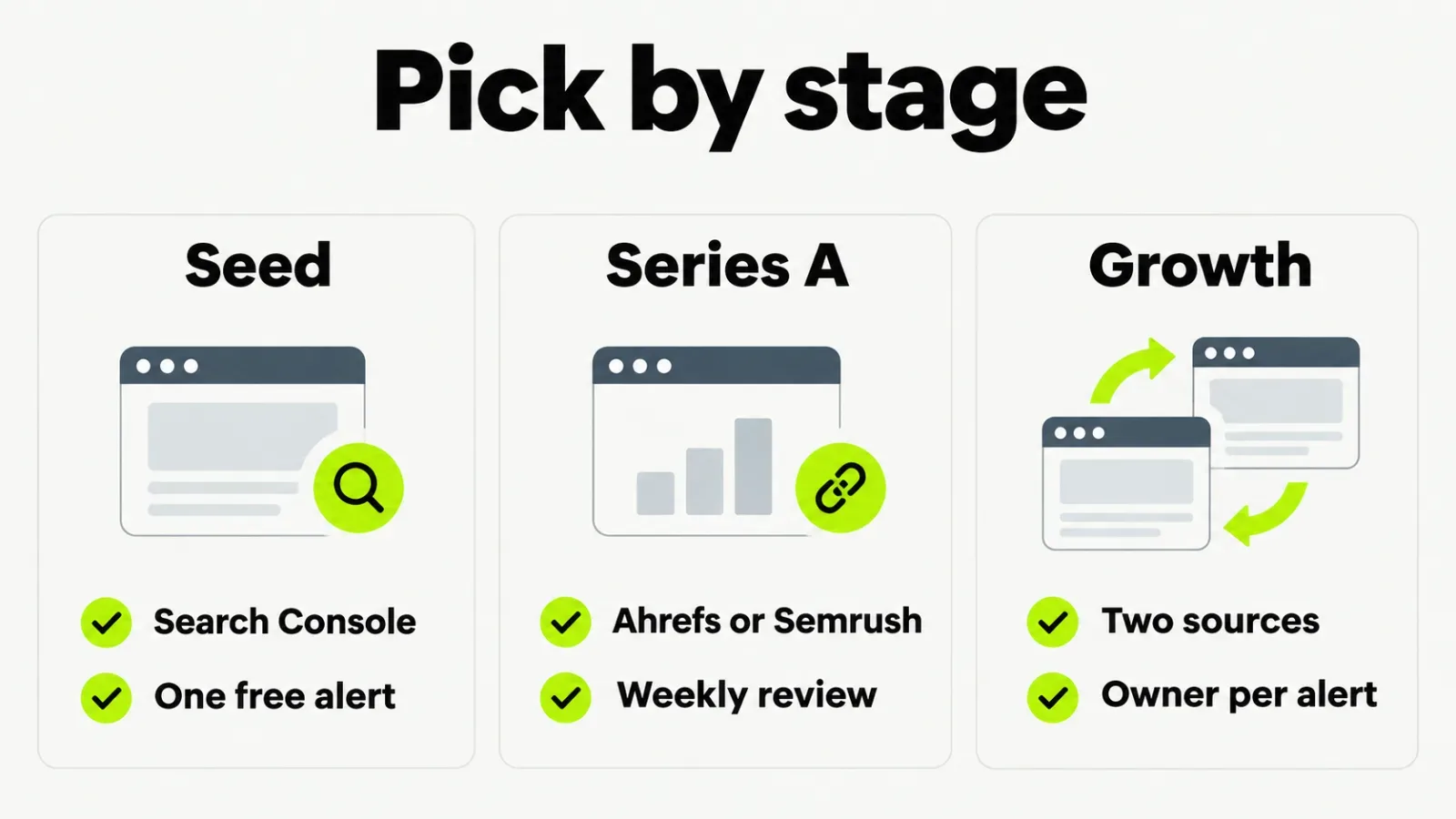
- Seed stage, few links: use Search Console and check it monthly. Skip paid tools.
- Series A, earning links monthly: add Ahrefs or Semrush, whichever your team already uses for SEO. Review weekly.
- Growth stage, agencies or PR involved: run two sources, because no index is complete, and assign one owner per alert type.
- Inherited domain with unknown history: start with a full backlink profile audit before you set alerts.
One firm opinion: do not pay for a second suite to chase a bigger link count. Pay for it only when a missing link would change a decision.
Set up one alert routine this week
Pick one tool, verify your domain in Search Console, and set alerts for lost links and new links to your top five pages. Then write down who reads them and what counts as action: a lost editorial link gets an outreach email, a spam spike gets a log entry, and a disavow needs a second reviewer. If you want a free starting point, the free SaaS link building tools page lists what we offer.
Frequently asked questions
Not at the start. Google Search Console is free and shows linking sites, pages and anchors. Add a paid tool when you earn links monthly and need alerts for losses or new spam.
Weekly for alerts, monthly for a fuller review. Daily checks rarely change decisions. If you run a campaign, check each new placement once after it goes live to confirm it carries a link.
No. Tools score links with their own models. Google's documentation says most sites never need a disavow, so treat toxicity scores as a prompt to look, not an instruction to act.
Each vendor runs its own crawler and index, so each finds a different slice of the web. Compare trends inside one tool rather than totals across tools.
No. They report link changes. Whether those changes affect rankings depends on many factors outside any tool.