SaaS Link Building
Link Velocity After a Google Core Update: When to Resume and Scale
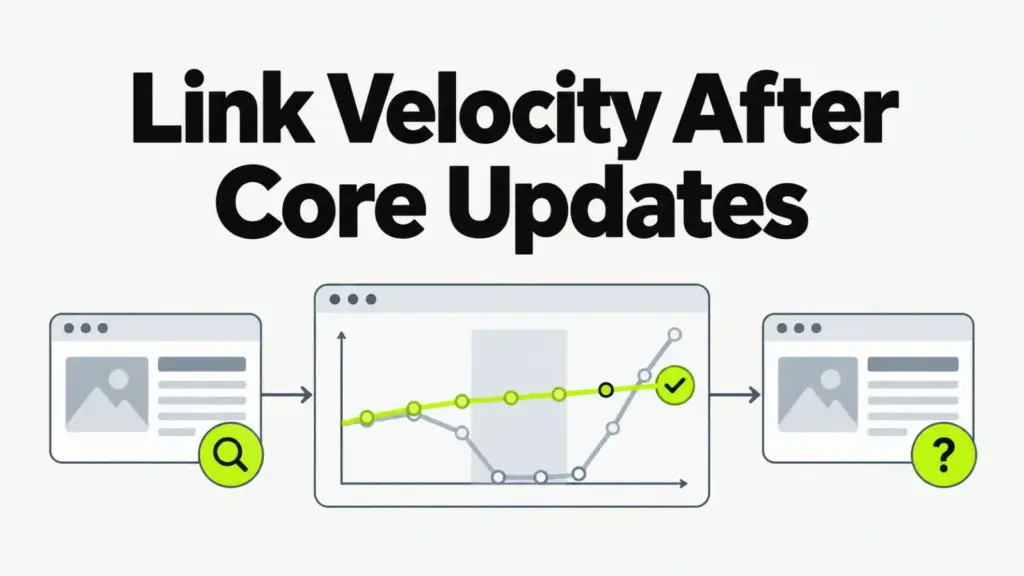
Link velocity after a Google core update should stay close to the pace you had before it. A core update reworks how Google ranks content and is not a link penalty. Pausing earned outreach and then rushing to catch up creates the spike you wanted to avoid. Resume or scale only after the rollout ends and you’ve ruled out spam signals.
Should you pause link building during a Google core update?
Pausing link building during a Google core update is rarely the right call for earned, editorial work. Google’s guidance on core updates says a ranking drop doesn’t mean a page broke its spam policies. It also says there may be nothing specific to fix.
A core update is a broad change to Google’s ranking systems. It reassesses how well content answers searches across the whole index. Links you earned on relevant publications were fine before the update, and they stay fine after it.
Pause anything you’d be uneasy explaining to Google: bought guest posts, link insertions on unrelated blogs, bulk directory packages. Those fall under the link spam policy. A core update is a good moment to stop them for good.
How do you tell a core update drop from a link problem?
A core update drop shows up as ranking shifts across many queries during the rollout window, with no message in Google Search Console. A link problem shows up differently. You see a manual action notice, a drop that lines up with a spam update, or losses concentrated on pages that carried paid or keyword-stuffed links.

Run these four checks before you change your link plan:
- Confirm on the Google Search Status Dashboard that the rollout has finished, and note any spam update in the same window.
- Open the Manual actions report in Search Console and look for an unnatural links notice.
- Compare the pages that lost clicks with the pages that received your recent placements.
- Check whether competitors with clean link profiles moved the same way on your top queries.
Judge the drop on data from after the rollout ends. Rankings swing while an update is still rolling out. A plan built on mid-rollout numbers chases noise.
If the checks point to content, the work is on the pages themselves. Look at how well each page answers the query, who wrote it, and what it offers that other results don’t. That work belongs in your broader SaaS SEO strategy, and it runs alongside link work.
Why does a link spike after an update look worse than a pause?
A link spike after a core update looks worse than a pause because it breaks the pattern your profile already shows. For a SaaS domain, earned links arrive in irregular bursts tied to a study, a launch or a news hook. A sudden wall of new referring domains with no matching event looks bought, whether or not it was.
Google doesn’t publish a link velocity threshold, so there’s no safe number to aim for. What matters is that each new link has a reason to exist: a source that covers your category and a page worth citing. Google built SpamBrain, its spam-prevention system, to catch link-buying patterns.
Our page on healthy link velocity patterns shows what normal growth looks like for a SaaS domain. Read it before you set a post-update pace.
What if a spam update or manual action hit at the same time?
If a spam update or manual action lands alongside a core update, the plan changes: stop new placements and audit the profile first. Google’s spam policies name three forms of link spam: buying links that pass ranking credit, excessive link exchanges, and large-scale guest posting with keyword-rich anchors.
For an unnatural links manual action, remove or qualify the offending links and document the cleanup. Then file a reconsideration request in Search Console. For a spam update with no manual action, Google has said its systems can neutralize unnatural links. That credit returns only as you earn new, legitimate links.
Don’t disavow on reflex. Google describes the disavow tool as an option for a manual action or a large set of spammy links you’re responsible for. A broad disavow can cut links that were helping you.
If the audit shows exact-match anchors piling up on commercial pages, fix that pattern before you resume. Our guide on when anchor text triggers penalties shows where the risk starts.
When should you resume or scale link building after a core update?
Resume link building after a core update as soon as the rollout ends and you’ve ruled out spam signals. Scale only when there’s a reason for more links to exist, such as a new study or a product launch. Your situation after the update decides which of three paths you’re on.
| Your situation | Link work now | Scale when |
|---|---|---|
| Rankings held or rose | Keep the current pace | Your next asset or launch goes live |
| Rankings fell, no spam signals | Keep earning at your baseline and fix the affected pages | The improved pages start to recover |
| Spam update overlap or manual action | Pause new placements and audit the profile | Cleanup is done and any manual action is lifted |
Whichever row you’re in, keep the operational basics running: prospect lists, outreach records and placement tracking. The link building checklist that runs a campaign lays out each stage, so a restart picks up where you stopped.
How do you scale link velocity safely once you resume?
Scaling link velocity safely means growing your earned placements in step with the assets and stories that justify them. Set a baseline from your own history, and add pace only when you have something new to pitch. Watch new referring domains instead of raw link counts.
How you pay for links shapes your pace. We bill per delivered placement, month to month, with no retainer and no fixed monthly link count. The number in any month follows what editors accepted. A quota plan pushes the opposite way: someone has to hit the number, and that pressure is where off-topic placements creep in.
- Pull the last year of new referring domains and note your normal monthly range.
- Map each planned asset or campaign to the month it launches.
- Raise the pace only in months with a launch, a study or a news hook behind it.
- Keep most anchors branded or descriptive, and make exact-match anchors rare.
- Confirm that each new referring site covers your category or reaches your buyers.
- Review rankings and referring domains monthly, and slow down if placement quality slips.
Frequently asked questions
No published rule penalizes speed on its own. Google’s spam policies focus on how links were obtained, such as buying or exchanging them for ranking credit. A fast run of earned coverage after a launch is normal. A fast run of bought links is the problem.
Recovery has no fixed timeline. Google’s core update guidance says some pages see their biggest change only after the next core update, even once they’ve been improved. No vendor can promise a recovery date or a ranking.
No. Google describes core updates as broad changes to how its systems assess content overall. Spam updates and SpamBrain handle link spam, which is why you separate the two before you change your link plan.
Point new links at a dropped page only once it’s worth citing. Links to a page that still falls short of the query won’t reverse a core update loss. Aim placements at the improved page or a linkable asset, and use internal links to pass authority to commercial pages.
Record your baseline link pace before the next update
This week, pull your new referring domains for the past year and write down your normal monthly range. That range is your reference when the next core update lands and someone suggests pausing or flooding. If you want a second opinion on a resume plan, Book a Strategy Call.