SaaS Link Building
Internal Linking for SEO: How to Structure Links on a SaaS Site
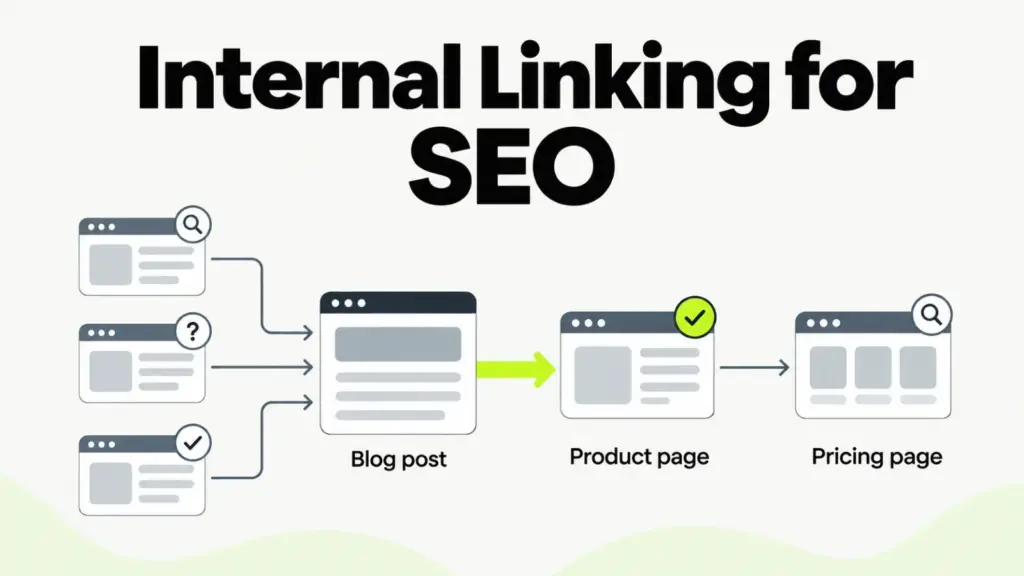
On a SaaS site, backlinks usually land on blog posts and free tools, while buyers convert on product and pricing pages. Internal linking for SEO connects the two. Well-placed internal links help Google find every page and read what each one is about. They also pass authority from linked content to the pages that sell.
What does internal linking do for SEO on a SaaS site?
Internal linking does three jobs for a SaaS site: discovery, context and authority flow. Google finds most pages by following links. It reads the anchor text and nearby words to understand each target, and it uses links as a signal of which pages are relevant.
SaaS teams use authority flow the least. External links give a page value, often called link equity, and that value moves on through the page’s internal links. A guide with dozens of earned backlinks and no link to your product sends that value nowhere useful.
A SaaS site makes this harder than a typical blog. Marketing pages, a docs or help center, a changelog and the app often run on separate subdomains or systems, and separate teams build them. The links between those parts are the first to be forgotten.
Which SaaS pages deserve the most internal links?
The SaaS pages that deserve the most internal links are the ones with buying intent: product and feature pages, integration pages, use-case pages, and pricing or comparison pages. Those pages rarely earn backlinks on their own. Writers cite research and tools far more often than sales pages.
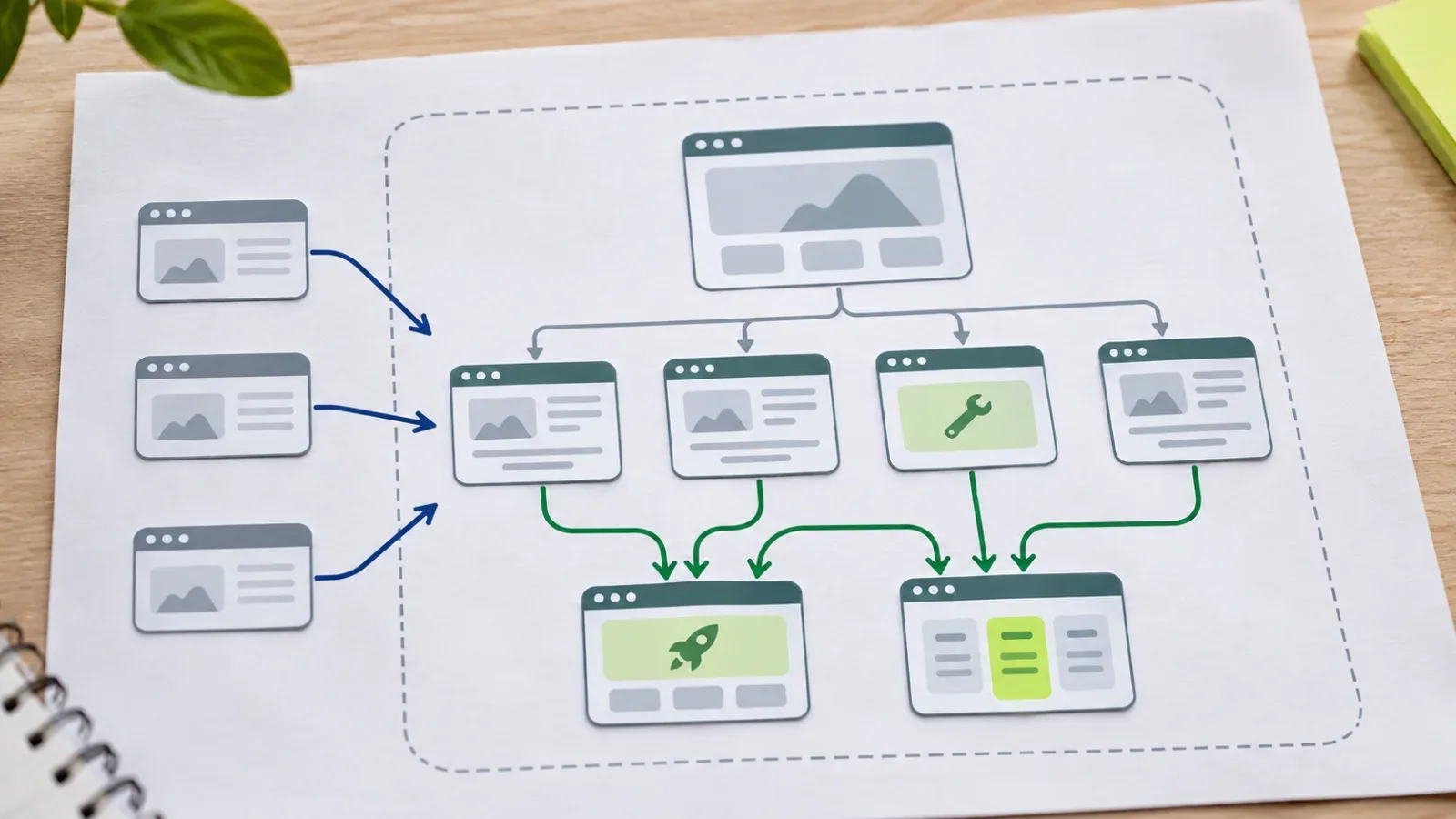
Four page types usually carry the most commercial weight:
- Product and feature pages that describe what the software does for one job.
- Integration pages that match searches for your product plus a tool the buyer already uses.
- Use-case and industry pages written in the words a buyer uses for the problem.
- Pricing and comparison pages that buyers read right before a trial or demo.
Pick one or two priority pages at a time and give them most of your new internal links. If you spread links evenly across fifty feature pages, none of them gets a clear signal. A pillar page for each product area gives those links a natural hub.
Don’t add in-body links to the signup page throughout your posts. Nobody searches for that page, and the button in your header already covers it.
How do you pass authority from pages that earn backlinks?
You pass authority from pages that earn backlinks by adding contextual links from them to the priority pages they relate to. Start with your most-linked URLs, which are usually original research, free tools, glossary entries and popular guides. Add each link where the text already discusses the job your product does.
Here is a worked example. A project management SaaS publishes a study on missed deadlines, and trade blogs link to it. The study discusses overloaded teams, so that sentence links to the resource planning feature page with the anchor “resource planning for agencies.” One relevant sentence like that does more than a promotional banner.
Google Search Console’s Links report lists your top linked pages from external sites, so start there. Off-page work and internal linking depend on each other. Links you earn to a study or a tool only reach your product pages through the internal links you add afterward.
What anchor text should internal links use?
Internal anchor text should describe the target page in the words a reader expects, such as “SSO for enterprise teams” or “Salesforce integration.” Google’s link best practices ask for anchor text that is descriptive, reasonably concise and relevant to the page it points to. The same page warns against packing keywords into anchors.
Exact-match internal anchors are fine when they read naturally. Problems start when every link to a page uses the same keyword phrase, because that looks written for a crawler. “Click here” and “learn more” fail in the other direction: they tell Google and screen-reader users nothing about the destination.
Link each destination once per page, at the first mention where the link helps the reader. Five links to the same feature page in one post add clutter and no new context.
Which technical issues stop internal links from working?
Internal links stop working for SEO when Google can’t crawl them. On SaaS sites, the usual causes are JavaScript navigation without real links, links behind a login, broken links after a URL change, and orphan pages that no other page links to.
Google’s link best practices say Google can follow a link only when it is an <a> element with an href attribute. A button with a click handler looks like a link to a user. A crawler sees nothing. The same goes for a router link that renders without an href. Google’s JavaScript SEO basics cover how rendering affects what gets crawled.
Orphan pages are the other common leak. A page with no internal links depends on the sitemap for discovery and gets no context from the rest of your site. Programmatic integration and template pages end up orphaned more often than any other type.
Rendering, redirects and crawl budget are covered in our technical SEO checklist for SaaS.
How should each area of a SaaS site link?
Each area of a SaaS site has its own linking job. Blog and guide content sends authority to product pages. The docs and help center connect setup topics back to features. Glossary and integration pages link into the hub for their topic. The table sets a default for each.
| Site area | Link to | Avoid |
|---|---|---|
| Blog and guides | The feature, use-case or pillar page the post discusses | Blocks of related links pasted at the end |
| Docs and help center | The matching feature and integration pages | A docs subdomain with no links back to the main site |
| Glossary and integration pages | The pillar page and closely related entries | Pages that exist only in the sitemap |
A hub-and-spoke structure keeps this manageable as the site grows. A content cluster groups one pillar page with its supporting posts. Every post links up to the pillar and across to one or two siblings.
How do you audit internal links on a SaaS site?
An internal link audit on a SaaS site checks four things. Which pages earn external links? Which priority pages get too few internal links? Which links are broken or redirected? Which pages have no links at all? Google Search Console and a crawler such as Screaming Frog SEO Spider or Sitebulb answer all four.
Run the audit in this order:
- Export your top linked pages from the Search Console Links report.
- Crawl the site with JavaScript rendering on, including any docs or help subdomain.
- Count the unique in-body internal links each priority page receives.
- Repoint broken and redirected internal links to their final URLs.
- Add a contextual link from each most-linked page to one related priority page.
- Link every orphan page from a relevant page, or noindex or remove it.
Repeat the last two steps whenever a new page goes live. The day a page ships is the easiest time to link it from the pages around it.
Frequently asked questions
Rarely. A nofollow internal link sends no signal to the target, and it does not keep the target out of the index. Use noindex for pages you want out of search. Google’s guidance on qualifying outbound links reserves rel attributes like sponsored and ugc for links to other sites.
Yes. Google crawls header, footer and sidebar links like any other link. In-body links add more, because the sentence around them shows Google and the reader why the target matters. Keep site-wide navigation for your main sections and use body links for specific priority pages.
There is no fixed number, and Google publishes no target count. A long guide carries more links than a pricing page. Each link should point somewhere a reader of that paragraph would want to go next.
Update them. A redirect keeps a link working, but internal links should point straight to the final URL so crawlers skip the extra hop. If you delete a page with no replacement, remove or repoint every link to it so readers don’t hit a 404.
Route authority from your most-linked page this week
Open the Links report in Search Console and pick the top linked page that isn’t a product page. Find the sentence in it that comes closest to a feature you sell, and link that feature page with a descriptive anchor. Then confirm the feature page links back to its pillar. To see where internal linking sits in a full program, read the complete SaaS SEO guide.