SaaS link building
Canonical Tag: Definition, Use Cases, and Common Mistakes
A canonical tag is an HTML link element (``) that specifies the preferred URL for a page when multiple URLs serve identical or near-identical content. It prevents duplicate content issues and consolidates ranking signals onto the canonical URL.
What it means
The tag goes in the page head: ``. It can point to the same URL (self-referential canonical, the most common pattern) or to a different URL (when the page duplicates canonical content elsewhere).
How it works
When Google’s crawlers encounter a page with a canonical tag, they record the canonical URL and consolidate ranking signals (backlinks, content authority, engagement) on that URL. The non-canonical versions still get crawled but typically don’t rank.
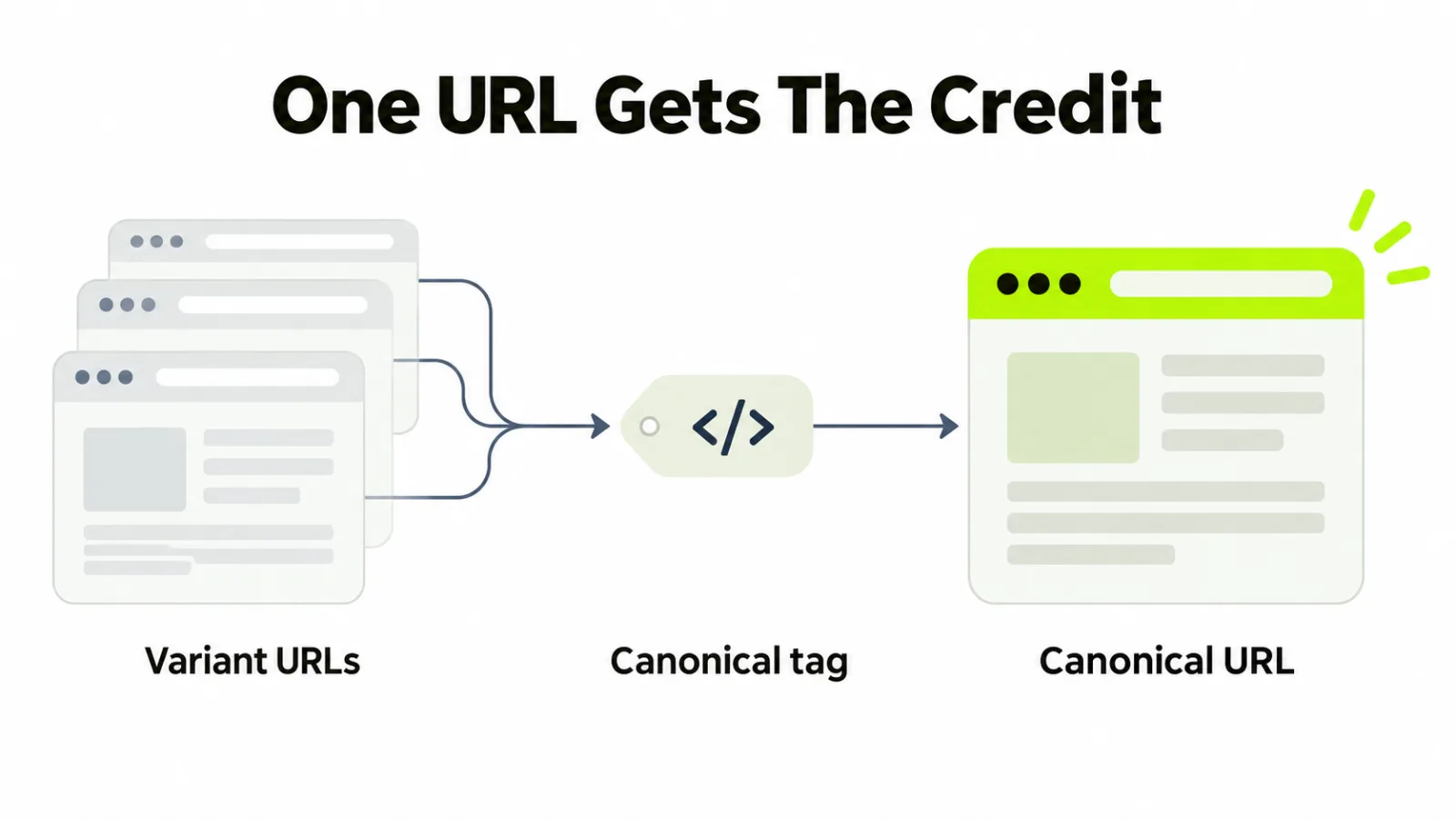
Canonical tags are hints, not directives. Google can choose a different canonical if signals strongly suggest a different URL is more appropriate.
Why it matters for SaaS
For SaaS sites, canonical tags handle several common patterns: parameter URLs (utm_source, ref tags), pagination (page 2, 3, etc.), variant URLs (mobile, AMP), syndicated content (canonical pointing back to the original publisher), and duplicate pricing pages across regions.
Incorrect canonical implementation is one of the most common SaaS technical SEO issues. Self-canonical pointing to homepage instead of self, missing canonical on key pages, and canonical loops all cause ranking issues.
How to evaluate or use it
Audit canonical tags with Screaming Frog or Sitebulb. Verify every important page has a self-referential canonical. Check that parameter URLs canonical to the clean URL. Check pagination handling. Use rel=”next”/rel=”prev” or single-canonical patterns consistently.
Related terms
Learn more
See the SaaS technical SEO guide for canonical tag handling in SaaS-specific patterns.
Common canonical scenarios in SaaS
Scenario 1: Self-canonical on every indexable page. The default and most common pattern. Each page’s canonical tag points to its own URL. Prevents accidental indexing under variant URLs.
Scenario 2: Parameter URL handling. Marketing campaign URLs (with utm_source, utm_campaign parameters) should canonical to the clean URL without parameters. Prevents duplicate-content issues from campaign tracking.
Scenario 3: Pagination. Either use rel=”next”/rel=”prev” with self-referential canonicals per page, or canonical all paginated pages to page 1. The single-canonical pattern works for most SaaS sites.
Scenario 4: Syndicated content. If you republish content elsewhere (or others republish yours), canonical should point to the original source. Tells Google which version to rank.
Scenario 5: Variant URLs. If product pages have variant URLs (different views, sort orders), canonical to the primary product URL.
The audit: Use Screaming Frog or Sitebulb to crawl your site and identify pages with missing, incorrect, or conflicting canonical tags.
Frequently asked questions
When is a canonical tag necessary?
On every indexable page (self-referential canonical) and on any page that duplicates content elsewhere (canonical pointing to the preferred version).
What’s the most common canonical mistake?
Canonical pointing to the homepage from interior pages, which tells Google not to index those interior pages. Always check that canonical points to the current URL or to the intended canonical and not accidentally to the homepage.